1
Upload your image
A single photo, product shot, sketch, or piece of concept art. JPG and PNG both work, and one image is enough. Free, no sign up.
Any photo or 2D image becomes a textured 3D model, built by AI in your browser. Free, no sign up, nothing to install, and no 3D skills required.
Three steps, no 3D experience needed.
A single photo, product shot, sketch, or piece of concept art. JPG and PNG both work, and one image is enough. Free, no sign up.
Choose a white mesh if you are heading to a printer or plan to texture it yourself. Choose textured if you want it ready to drop into a scene.
Your 3D model appears in the viewer in minutes. From there you can split it into parts, rebuild the topology, repaint the texture, or add a rig.
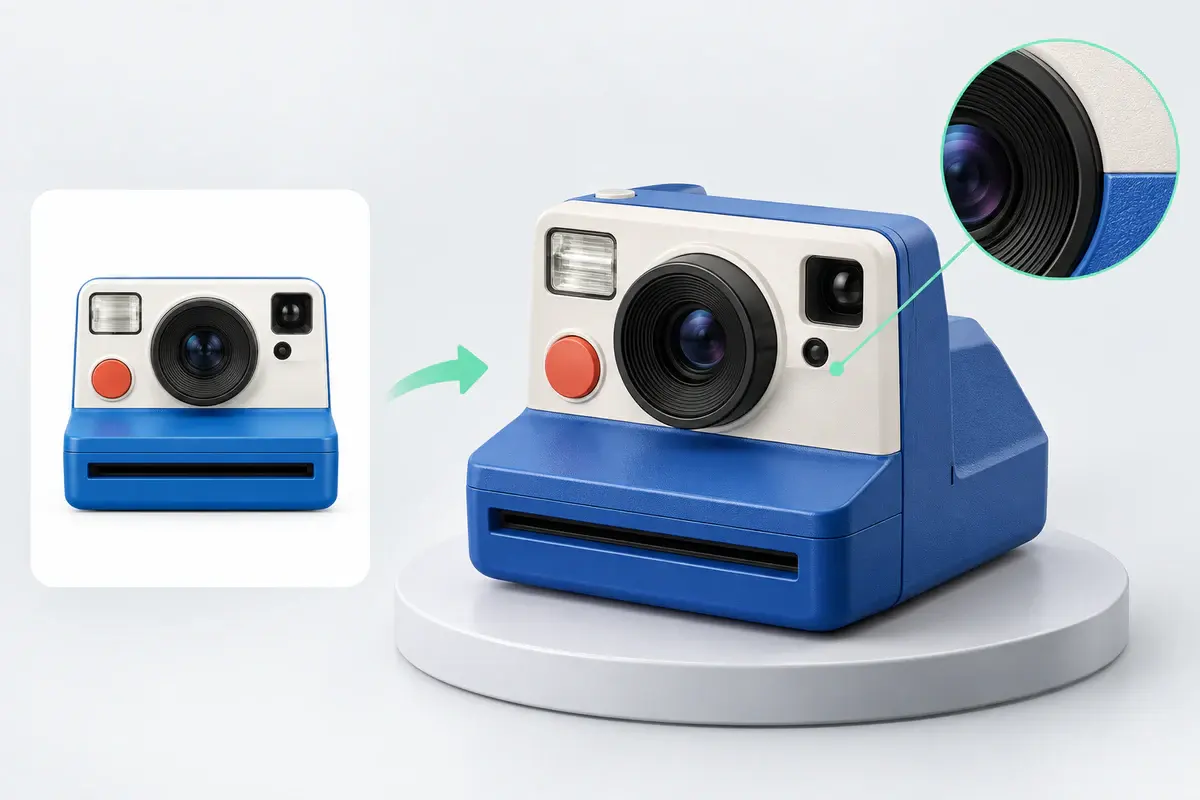
Generate at 1536 when you need production detail, or drop to 1024 for a quick draft. Both run through the same image to 3D pipeline, so you can rough out an idea first and re-run the one you keep at full resolution.
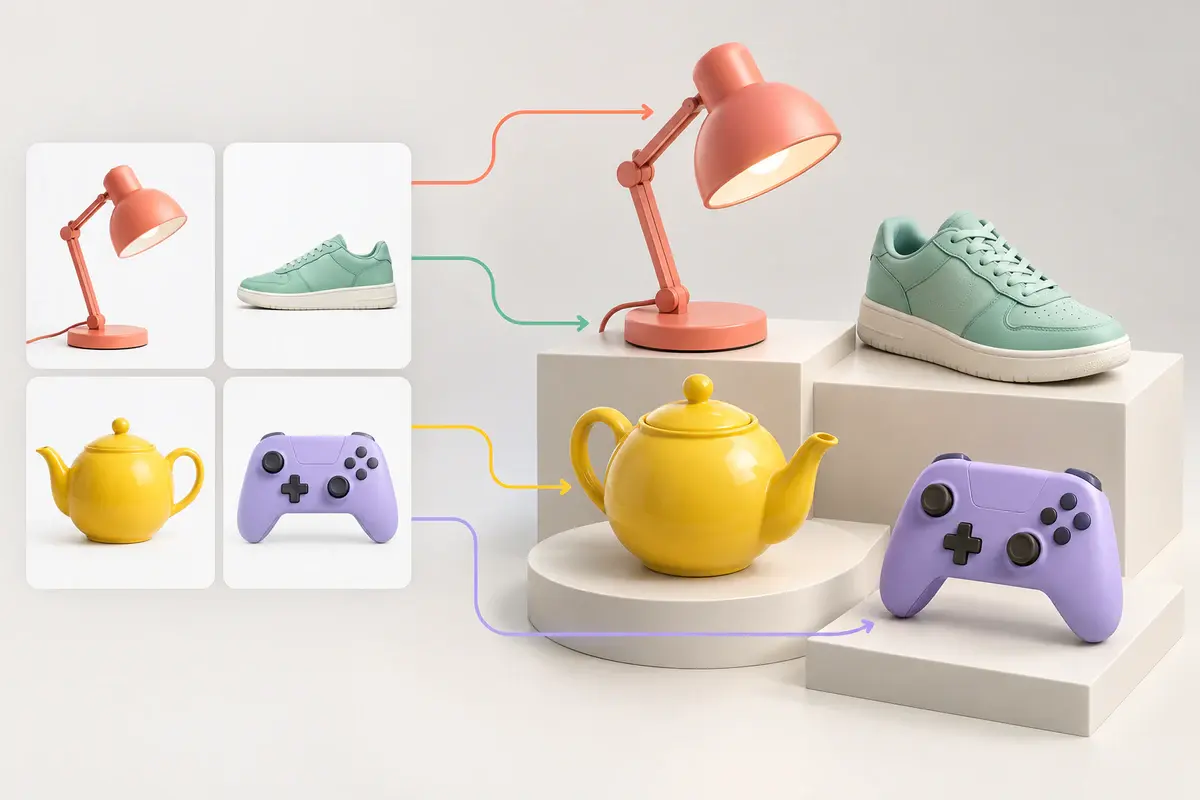
Drop in up to 10 images at once and let them generate together. Built for converting a product catalog or a folder of reference shots, not one file at a time.
Upload front, left, back, and right views of the same subject. Four angles resolve the geometry a single photo cannot show, which matters most for characters and anything with a hidden side.

Generating the mesh is step one. Split it into parts, rebuild the topology, repaint the texture, or add a skeleton, all without exporting to another tool.
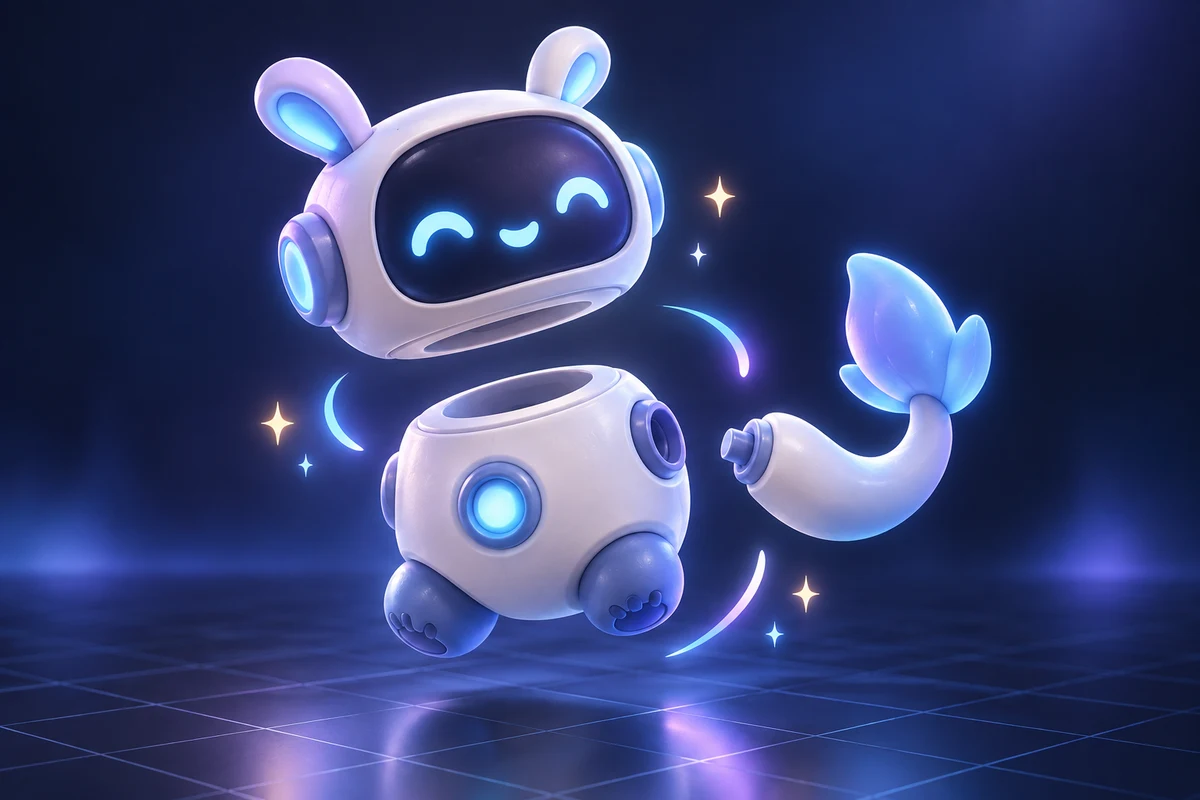
Separate a generated model into its components. Each part keeps its own geometry, so you can move, replace, or print them separately.
Explore AI 3D Model Segmentation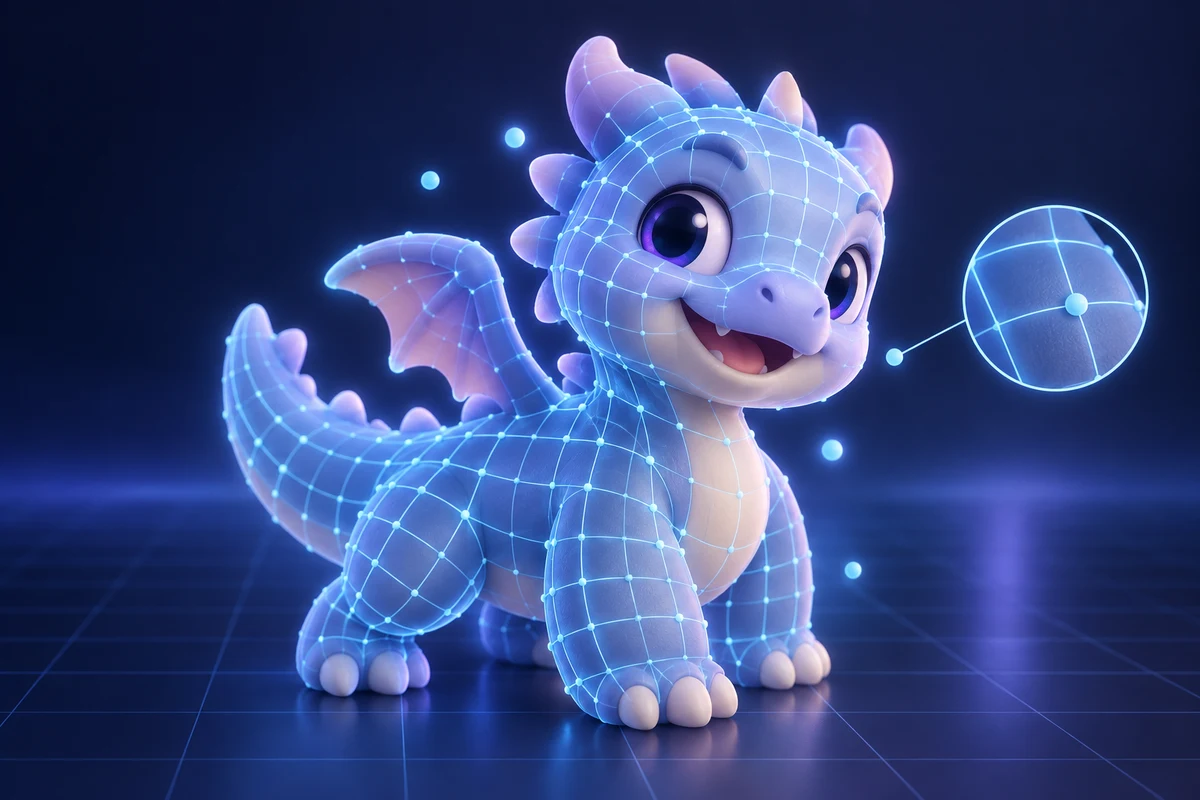
Rebuild the surface with clean quads at the polygon count you choose, which is what makes a model usable in a game engine or a deformation rig.
Explore AI Retopology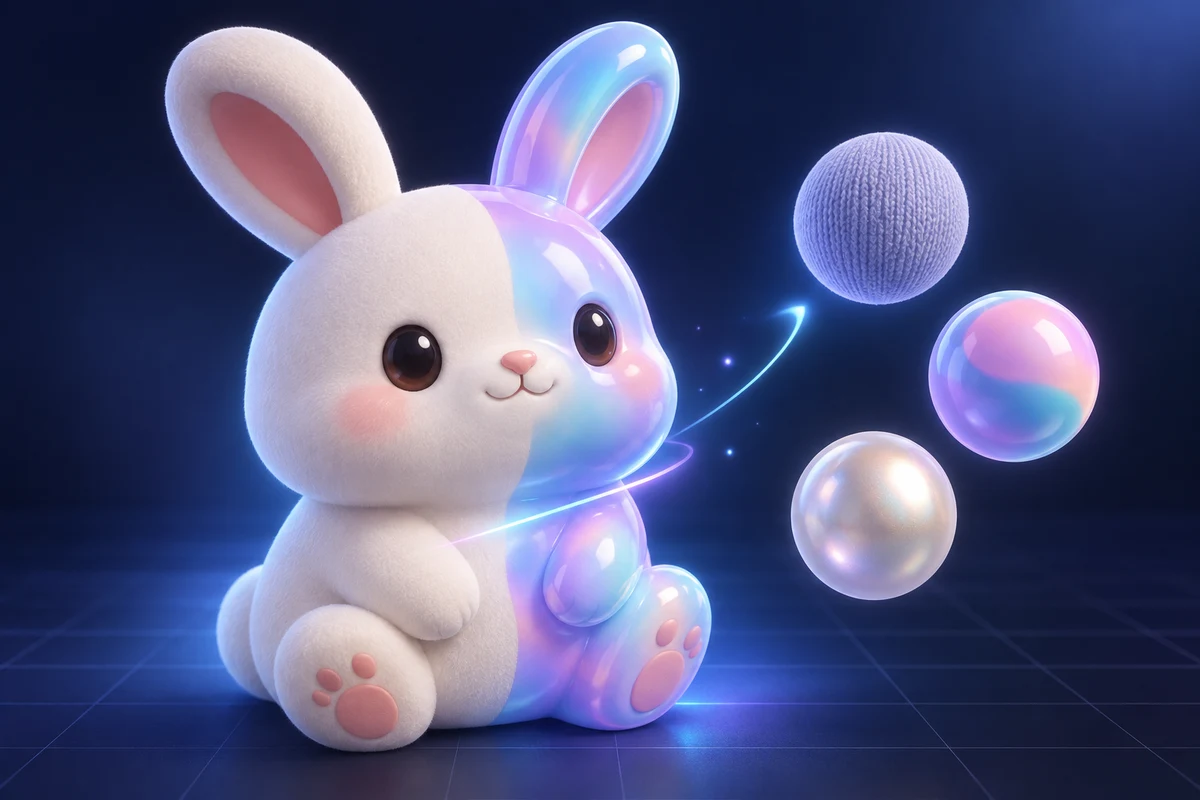
Change the material without regenerating the geometry. Describe the finish you want and the model keeps its shape while the surface changes.
Explore AI Texture Generator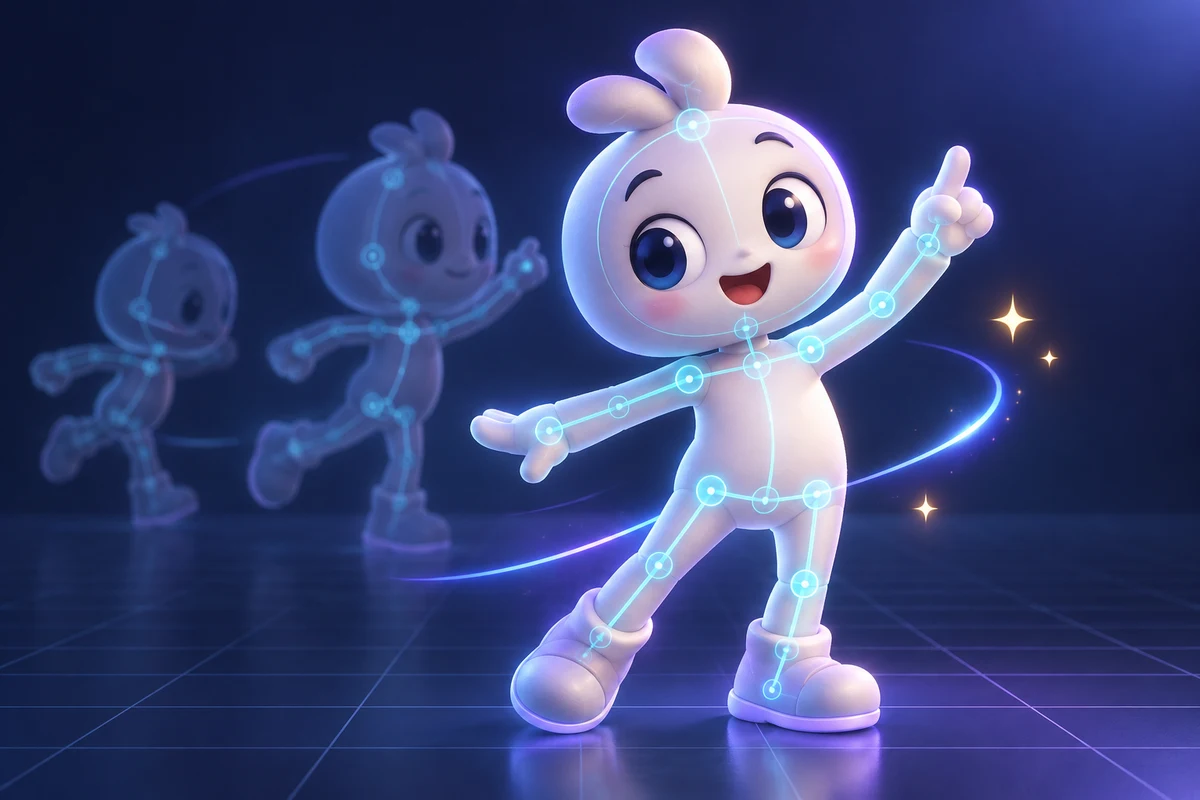
Auto-rig a humanoid or creature model so it can be animated, then download the rigged GLB for your engine.
Explore AI Auto RiggingFrom printable props to rigged game characters, one upload covers the first mile.
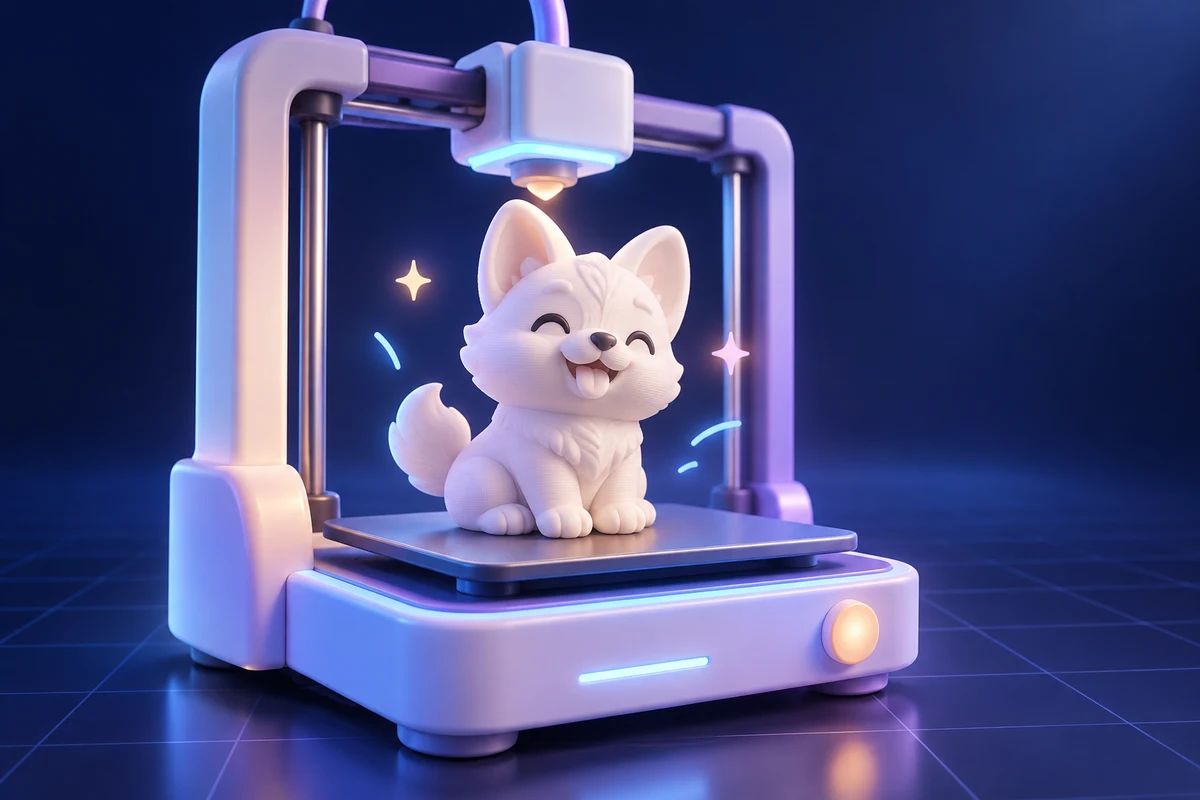
Turn a reference photo into a printable model, then export STL once the mesh is watertight.
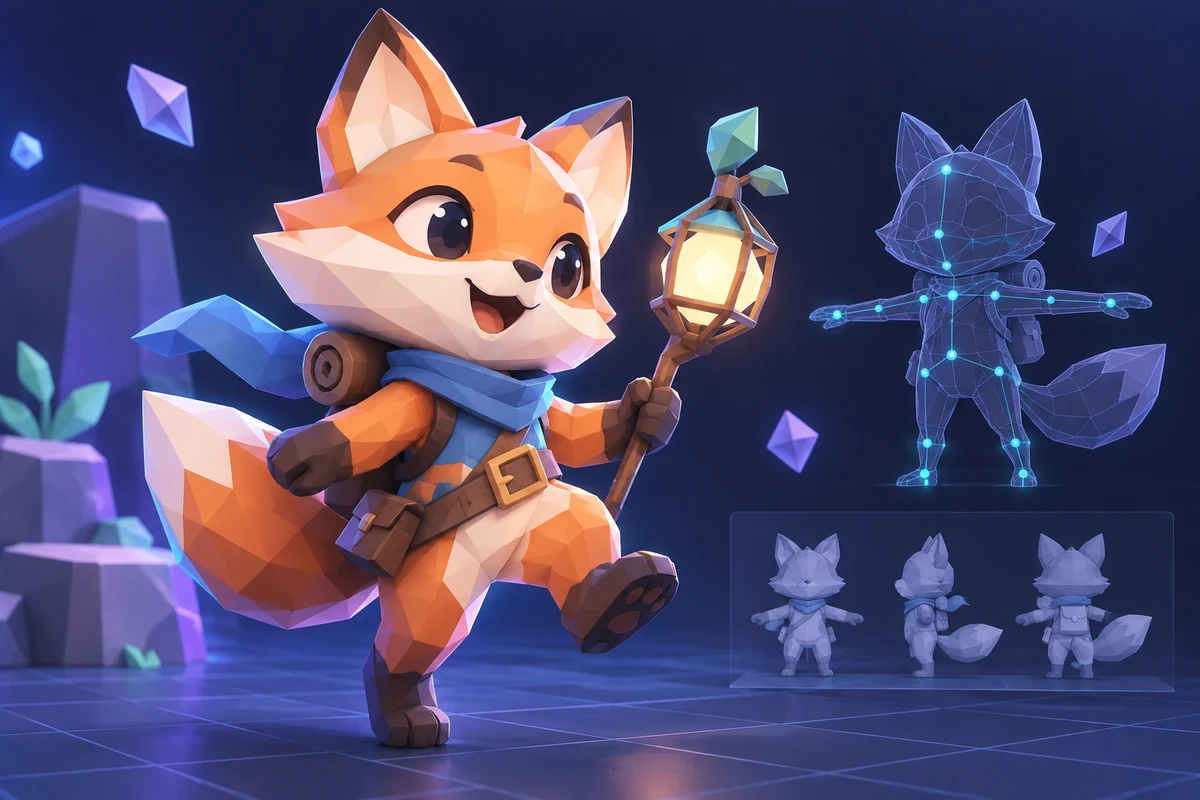
Generate props and characters, retopologize to your polygon budget, rig them, and export to your engine.
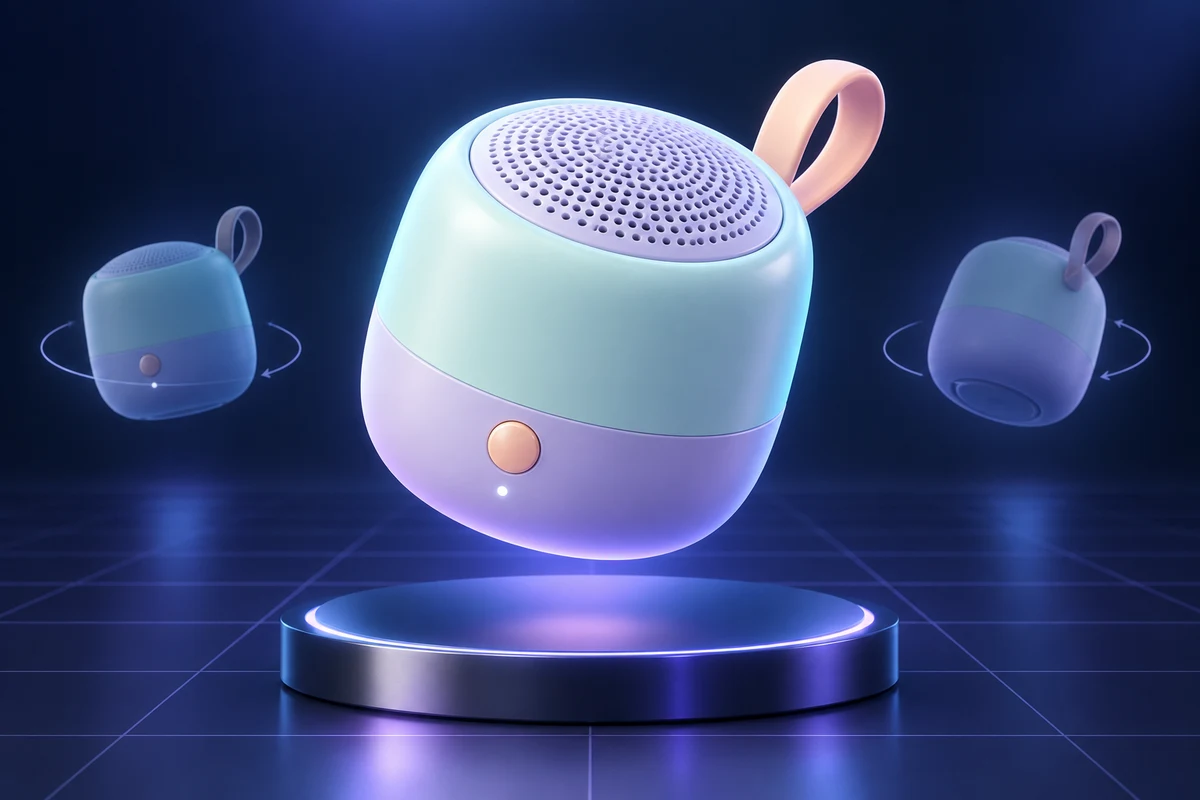
Batch convert product photography into geometry you can light and re-shoot from any angle.
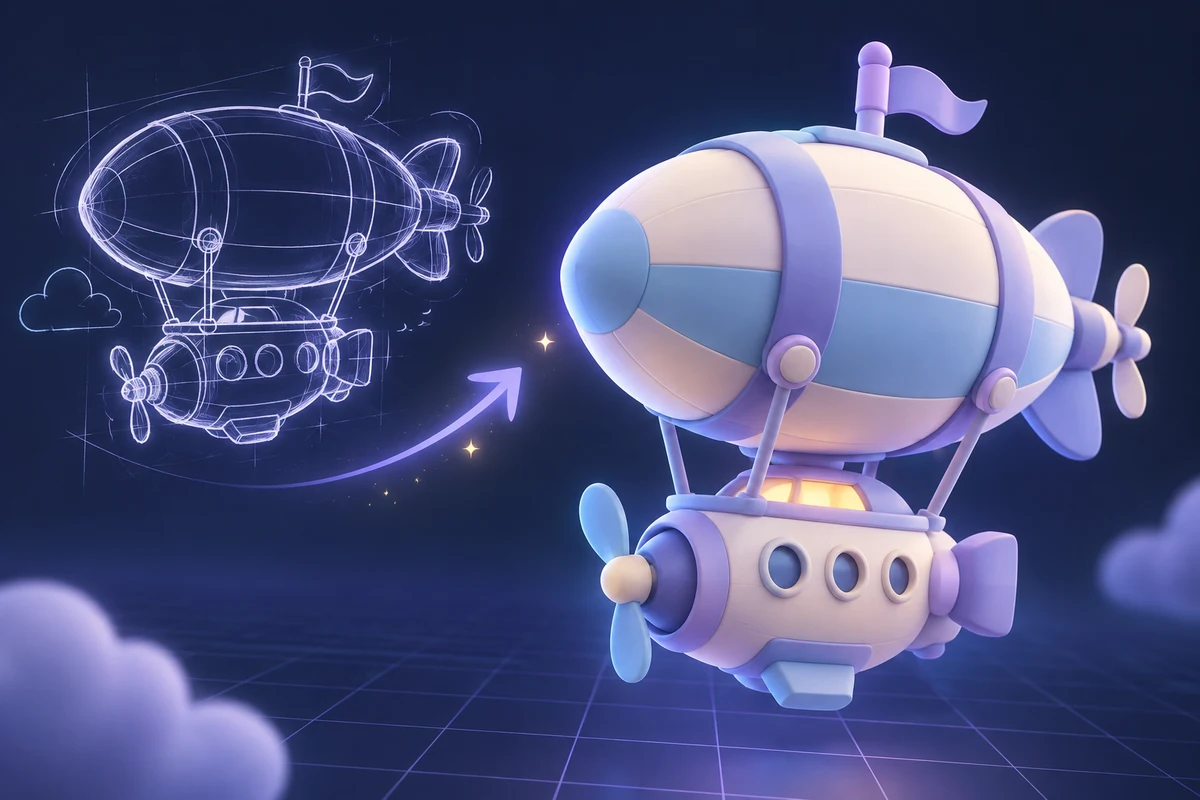
Move from a 2D sketch to a rough 3D block-out in one upload, then refine only the parts that matter.
What imageto3dai.io does, what it hands back, and how it differs from tools that only draw pictures.
Free Image to 3D Model, No Sign Up
One picture in, a textured mesh out. Nothing to install and no 3D background needed. Drop an image in and see what comes back.
Free. No sign up. No card.
We use optional analytics cookies to understand how our tools are used. You can decline and continue using the service, or change your choice here at any time.
Privacy policy