1
Bring in a model
Upload GLB, GLTF, OBJ, FBX or STL up to 100 MB, or pick a model you already generated here.
Drop in a dense sculpt, a photogrammetry scan, or a mesh you generated from an image. Set a target face count, pick quads or triangles, and get back topology sized for a real-time budget. Free, with nothing to install.
Three steps, free to run, with no edge loops and nothing to install.
Upload GLB, GLTF, OBJ, FBX or STL up to 100 MB, or pick a model you already generated here.
Choose quads or triangles and type a target face count, or leave it on Auto. Turn on Force Symmetry for characters and symmetrical props.
Inspect the new mesh in the viewer before you take it into your DCC tool or game engine.
Triangles run from 1,000 to 20,000 faces for engine budgets. Quads run from 500 to 10,000 for anything that has to deform, with real edge loops that subdivide and skin without pinching.
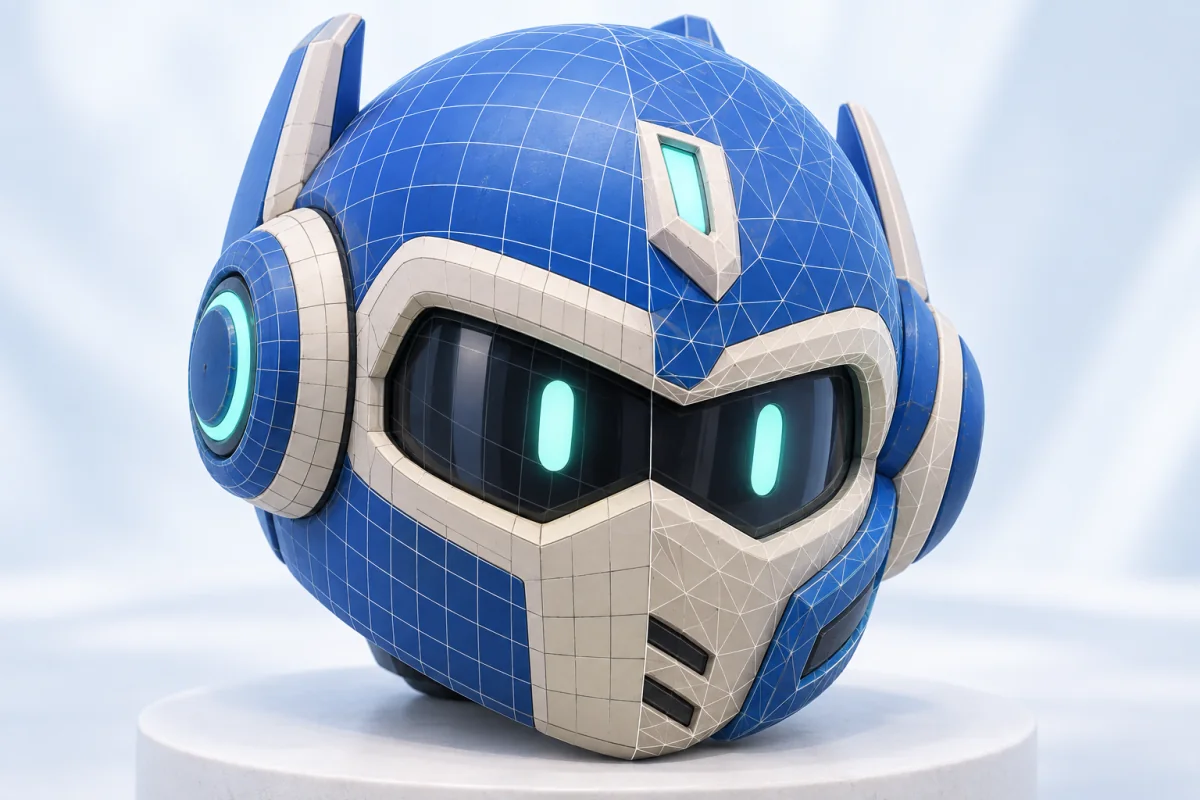
A decimation slider asks you to guess at 40 percent. Here you type the number your budget allows and the mesh comes back at it. Auto picks a density when you would rather not choose.
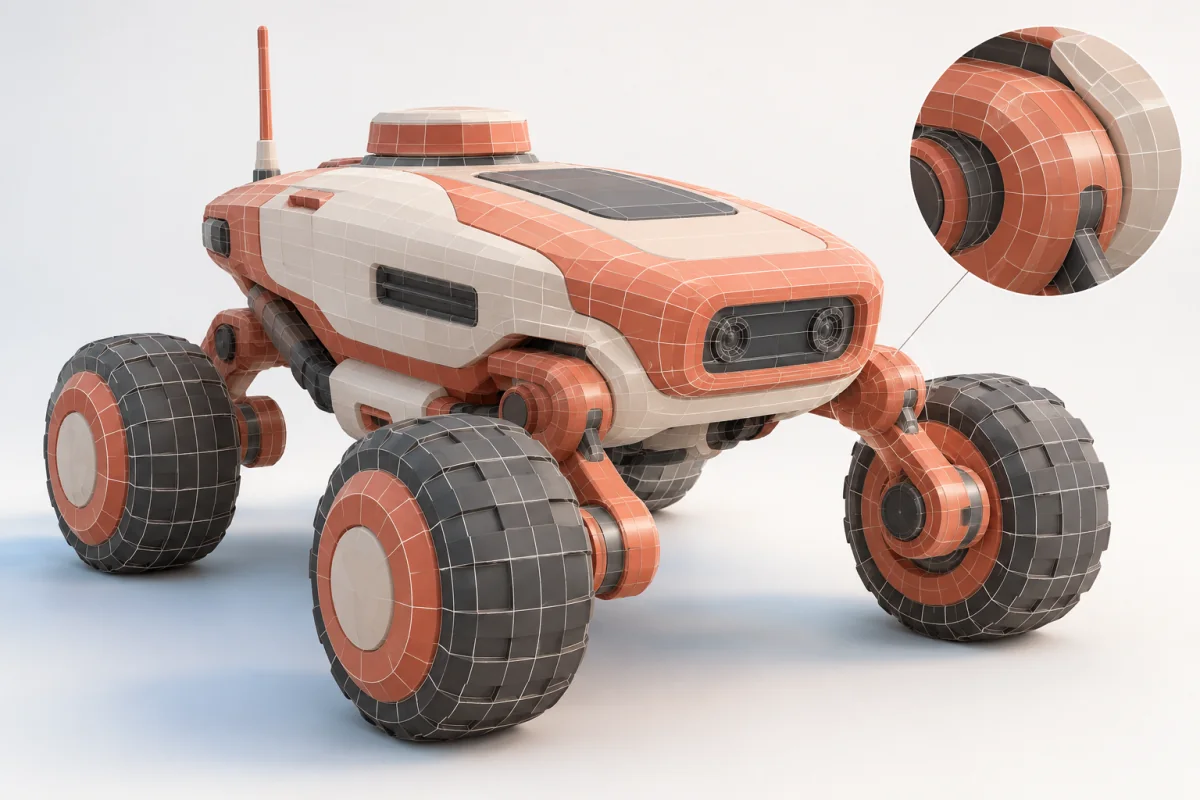
Multi-part models list their parts with face counts. Tick the ones that are too heavy, a weapon, a wheel, a prop, and the rest of the asset is left alone. Per-part runs output triangles.

Open the workspace and retopologize a model in the browser. No addon, no plugin license, no seat tied to one machine.

Manual retopology means tracing edge loops across a surface you already finished. A day on a hero character, an afternoon on a prop, and you do it again the next time art direction moves a silhouette.
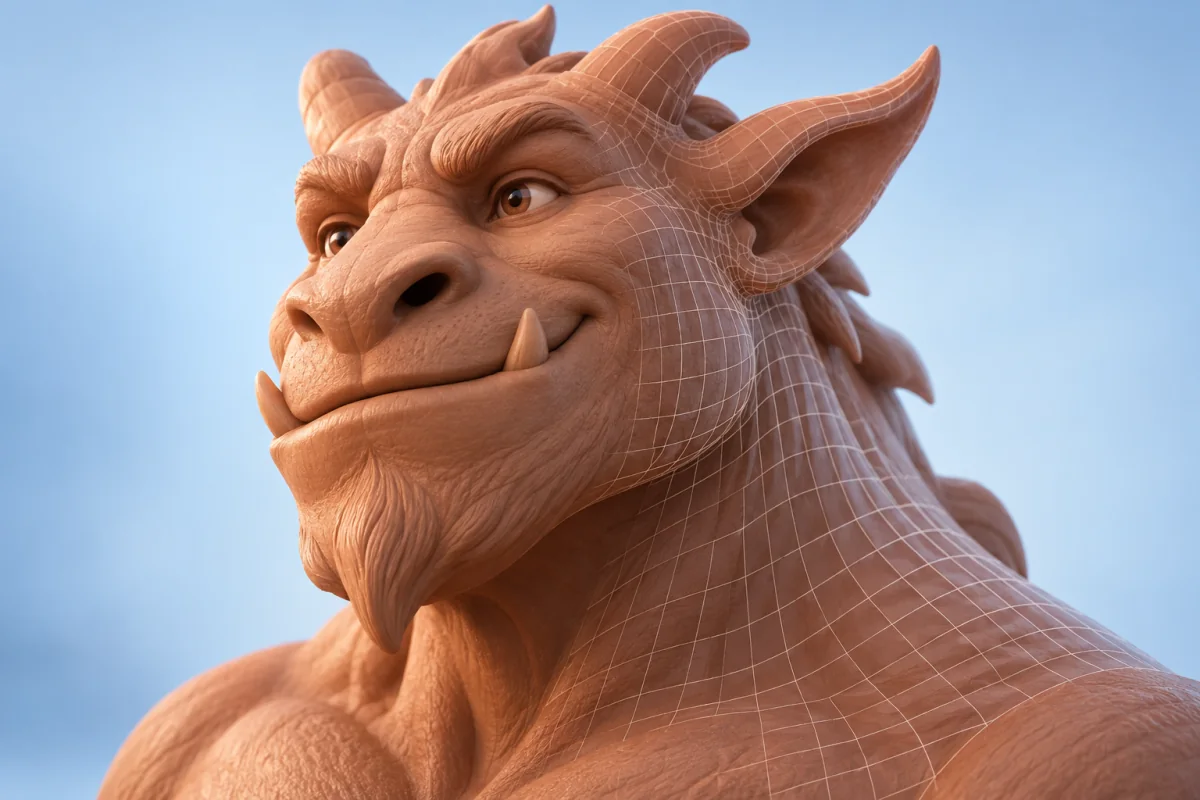
You never snap a vertex. The dense mesh goes in and a clean one comes back.
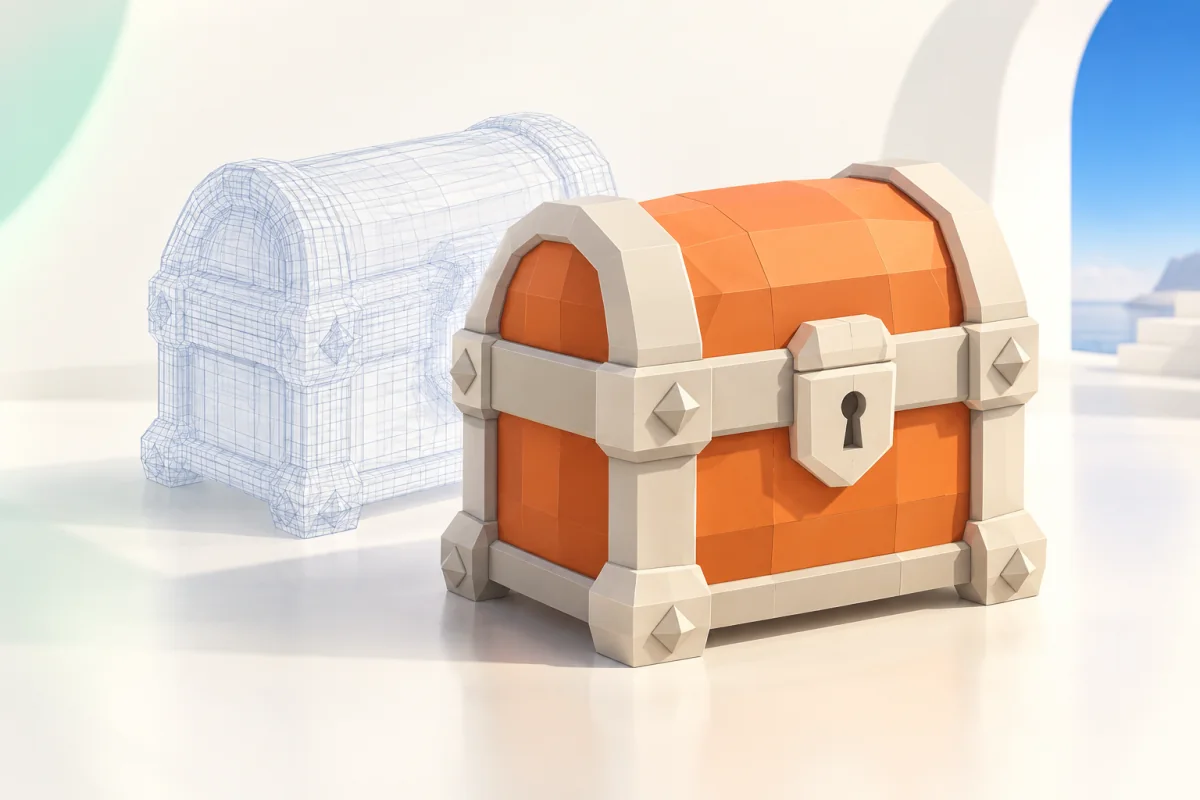
Type the face count your budget allows. Auto handles it when you have no number in mind.
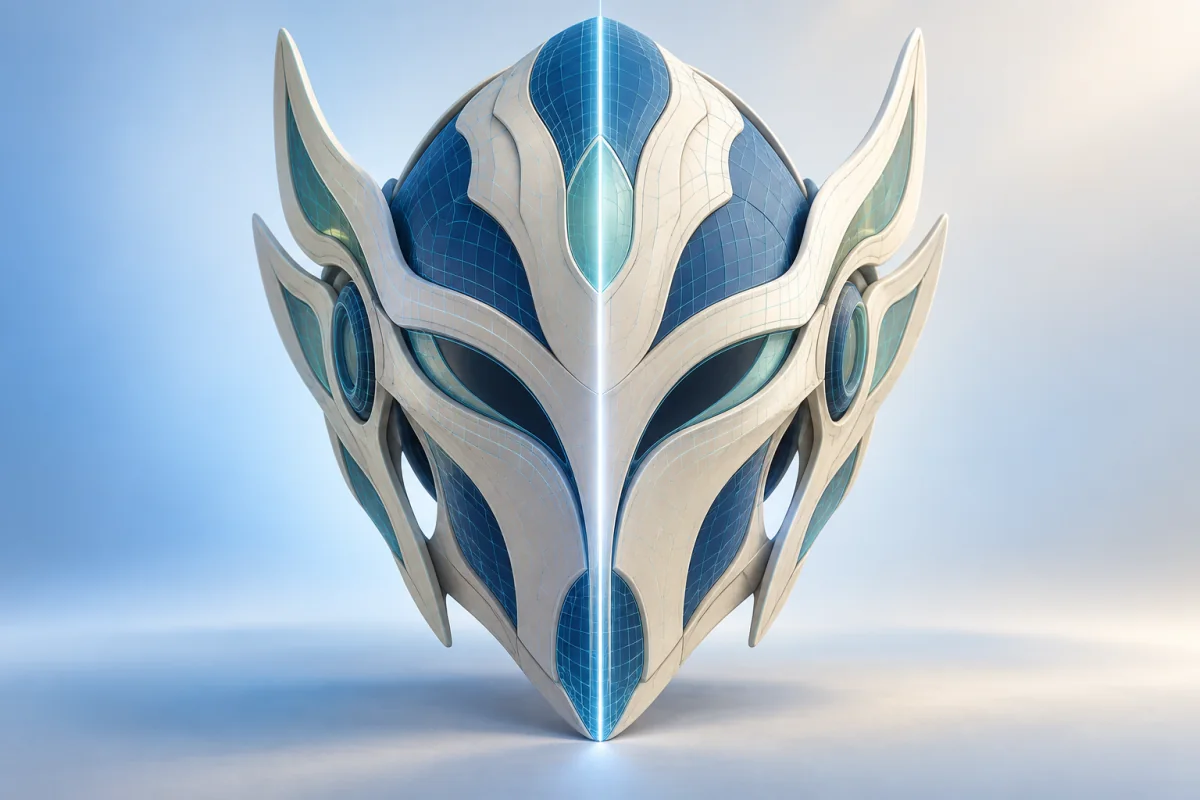
Characters, vehicles and hard-surface props come back symmetrical instead of subtly lopsided down the middle.

Runs on any machine with a browser, including a tablet. No Blender install, no plugin license.
Topology is not the deliverable. It is what lets the next five steps work.
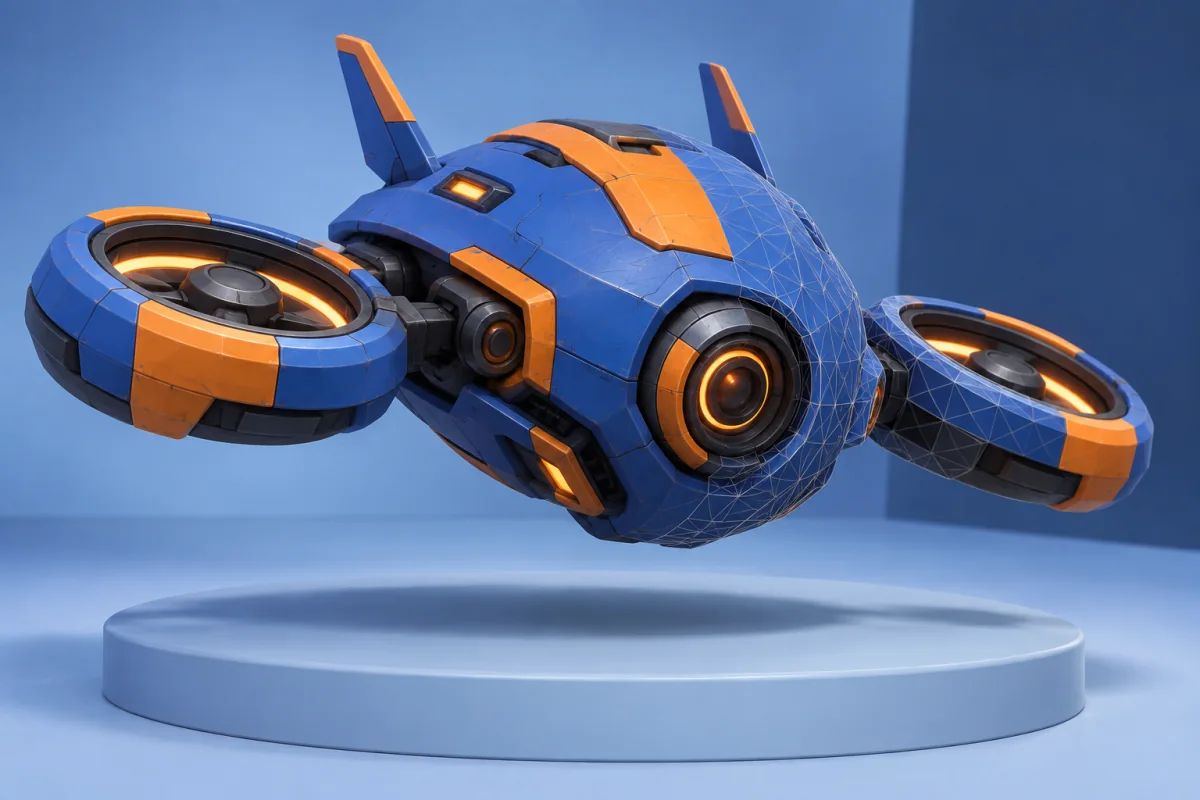
Hit the polygon budget Unity or Unreal hands you, without hand-modeling a low-poly twin of your sculpt.

Quad edge loops deform the way a rigger expects. Triangle soup pinches at every joint.
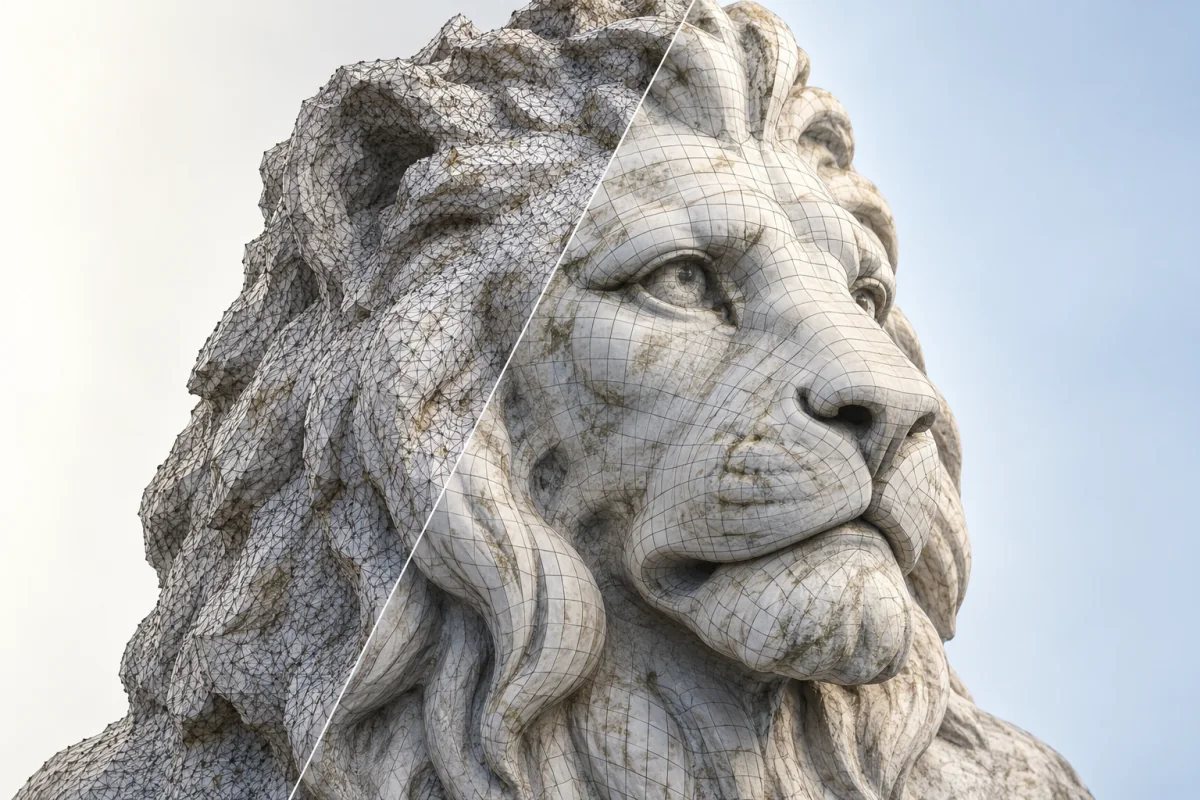
Photogrammetry and generated models arrive as dense, directionless triangles. Retopology gives them an edge flow you can select, UV and edit.
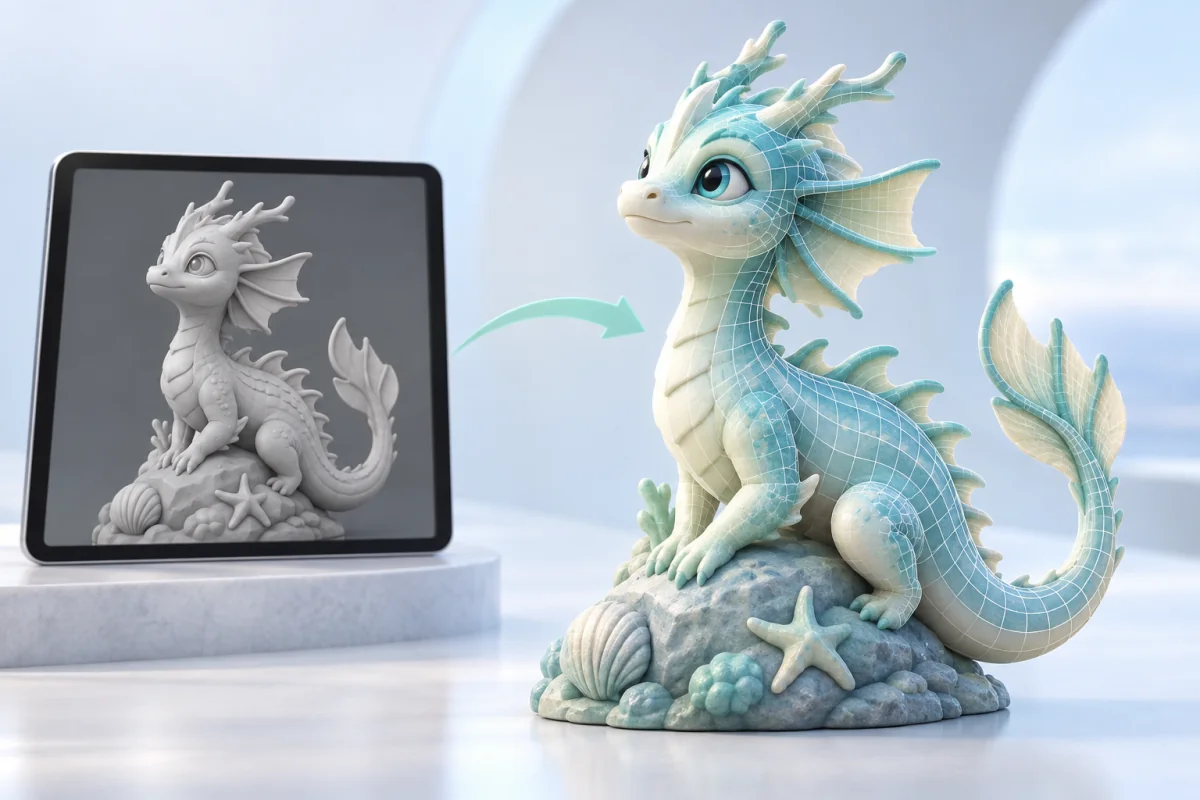
Sculpting apps like Nomad Sculpt export millions of triangles and have no retopology step of their own. Send the OBJ through a browser and bring back a mesh you can pose.
What goes into imageto3dai.io, what comes back, and where this tool stops.
Put a Budget on Your Mesh
Upload a sculpt, a scan, or a model you generated on imageto3dai.io, set a face count, and get topology you can rig and ship.
Free · GLB, GLTF, OBJ, FBX and STL · up to 100 MB
We use optional analytics cookies to understand how our tools are used. You can decline and continue using the service, or change your choice here at any time.
Privacy policy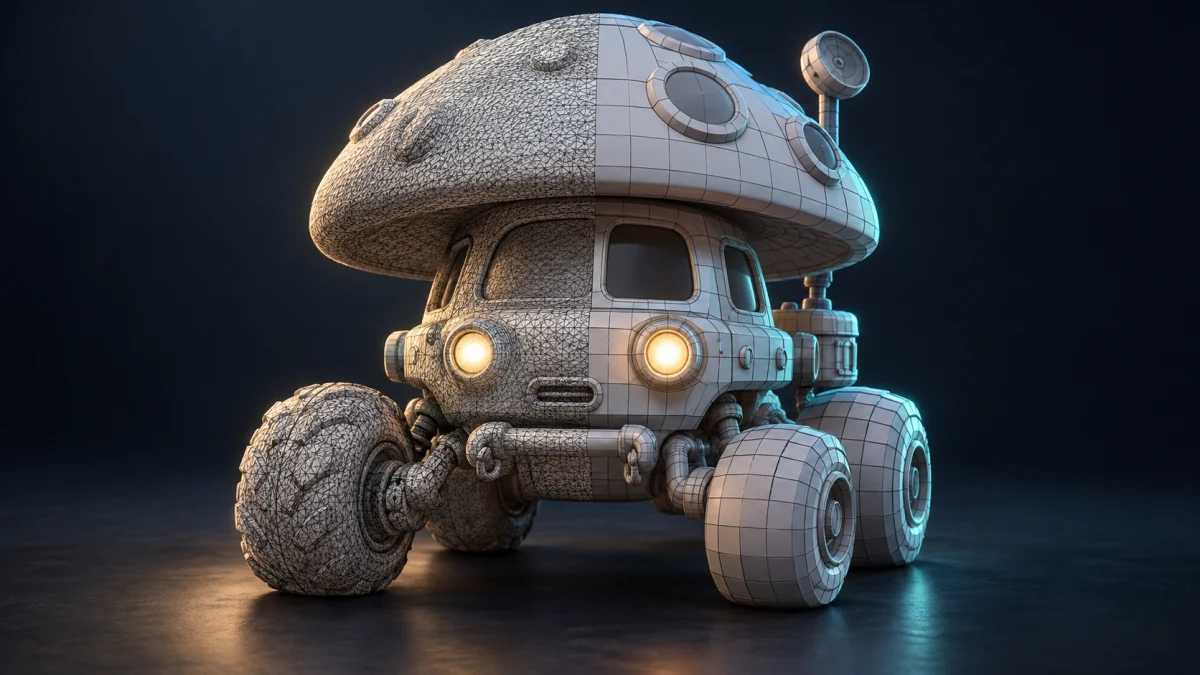
Rebuild the model with cleaner topology
AI converts dense or uneven meshes into a cleaner, lighter structure with organized edge flow, making the model easier to edit, animate, optimize, or export.