1
Bring in the mesh
Upload GLB, GLTF, OBJ, FBX or STL up to 100 MB, or pick a model you already made here. STL is worth calling out: it stores geometry and nothing else, which makes it the cleanest input this tool can get.
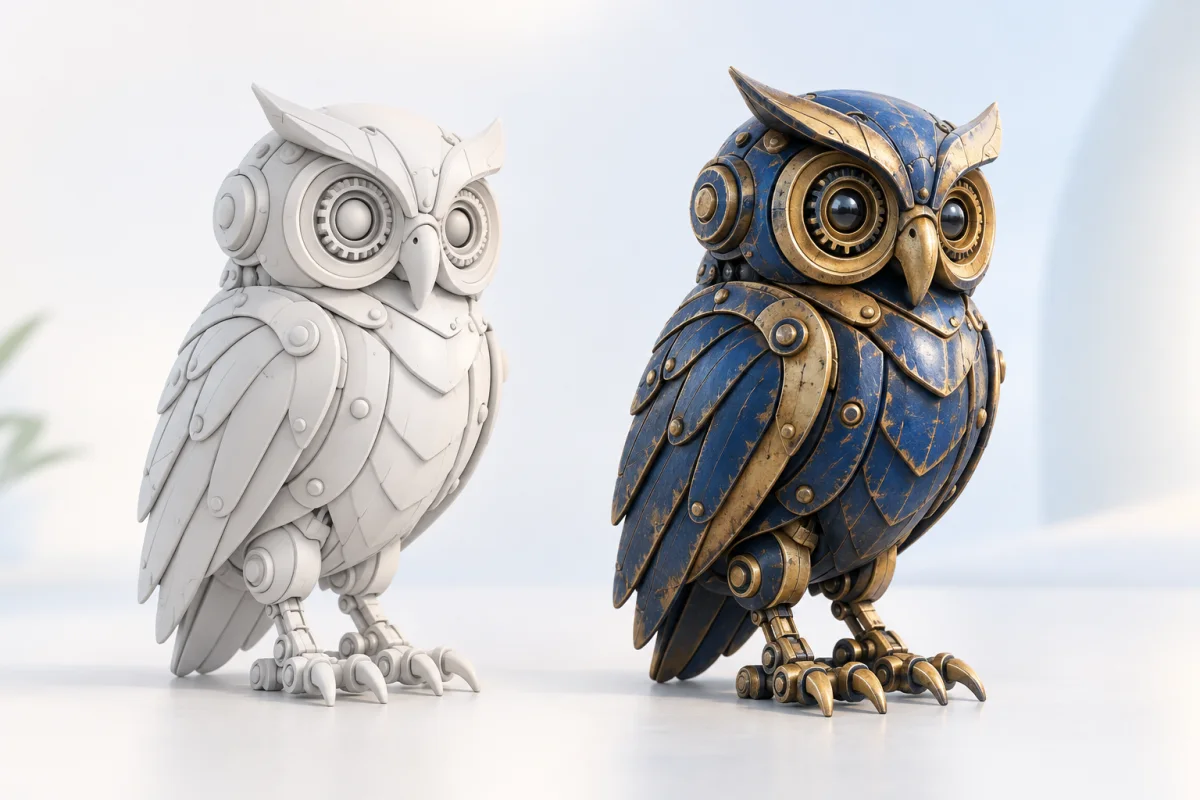
Upload a GLB, OBJ, FBX or STL, describe the surface you want or drop in a reference image, and the same mesh comes back with PBR materials on it. Free, with no UV unwrapping, no texture painting and nothing to install.
Three steps in the browser, free to run, and your geometry is never touched.
Upload GLB, GLTF, OBJ, FBX or STL up to 100 MB, or pick a model you already made here. STL is worth calling out: it stores geometry and nothing else, which makes it the cleanest input this tool can get.
Two ways in, and you can switch between them on the same mesh. Type up to 1,000 characters and let the prompt drive the material, or upload a reference image and have the surface match it. Turn on PBR when the material has to react to light instead of sitting flat.
The textured mesh loads in the viewer. Spin it, toggle back to the white model to compare, and download it when it holds up.
The geometry you sent is the geometry you get. Vertex count, silhouette and part structure stay put; only the surface changes. That is the line between retexturing and regenerating, and it is why you can send a model that has already been approved.
Describe the material in words, or hand it a photograph and let it match. A reference works best when you already own the look: a fabric swatch, a paint chip, a product shot from the client. JPG, PNG and WebP up to 10 MB.
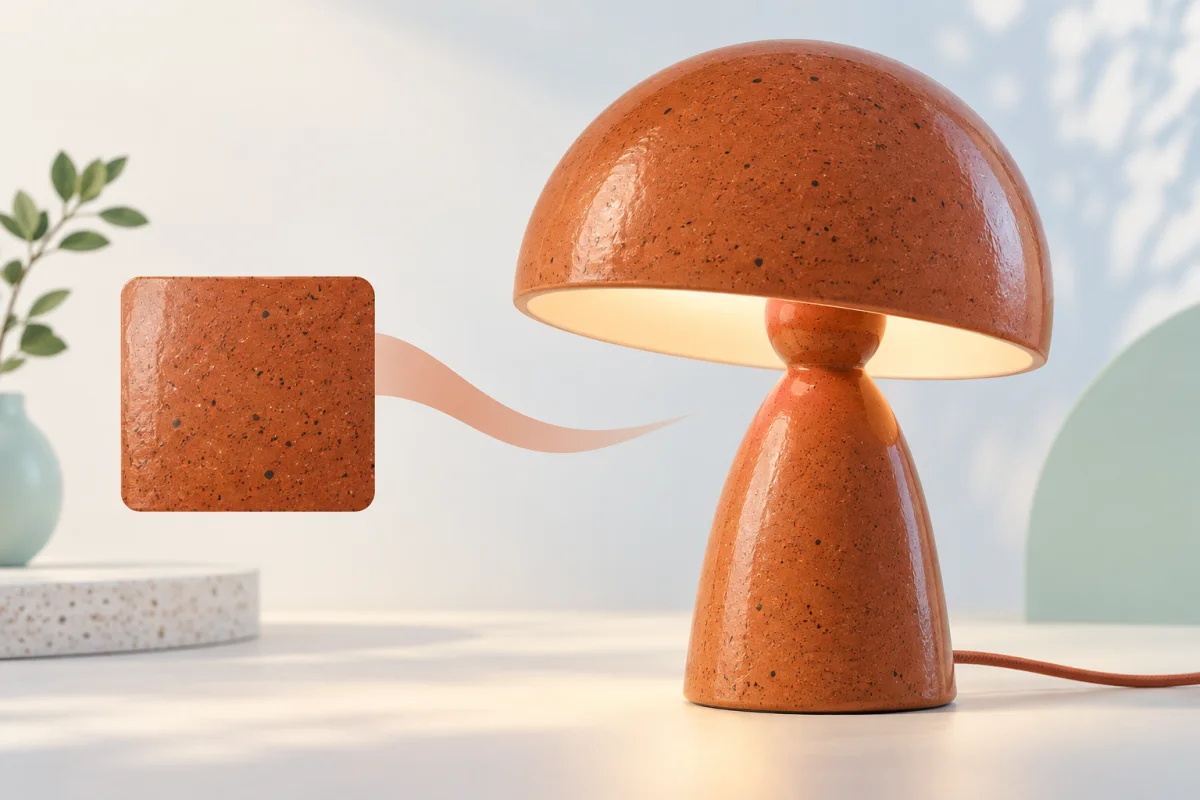
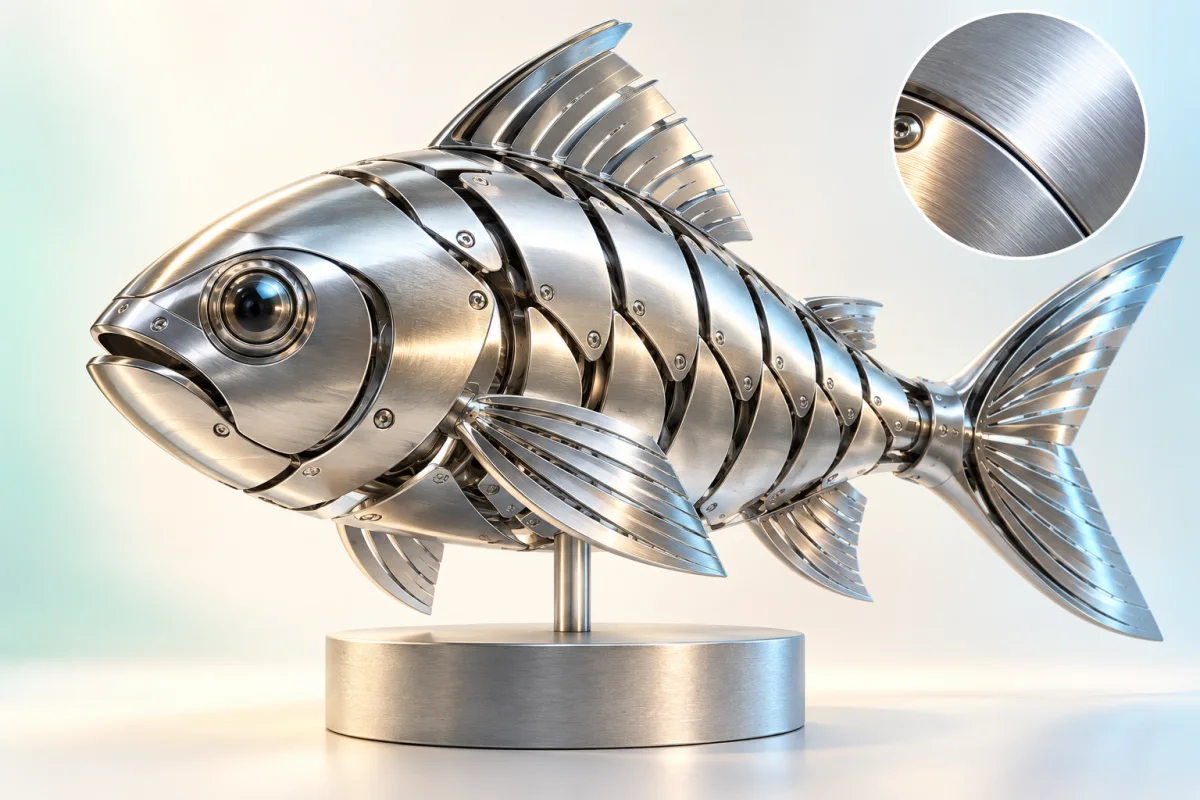
Turn PBR on and the material responds to light in Unity, Unreal or a renderer. Leave it off for a flat color pass, which is enough for blockouts, previews and anything heading to a printer.
This paints one specific mesh. It does not hand you a square repeating texture to apply to your own geometry. Roughly half of what ranks for "ai texture generator" does that opposite job, so if a tiling PNG is what you need, this is the wrong page, and we would rather say so before you upload anything.
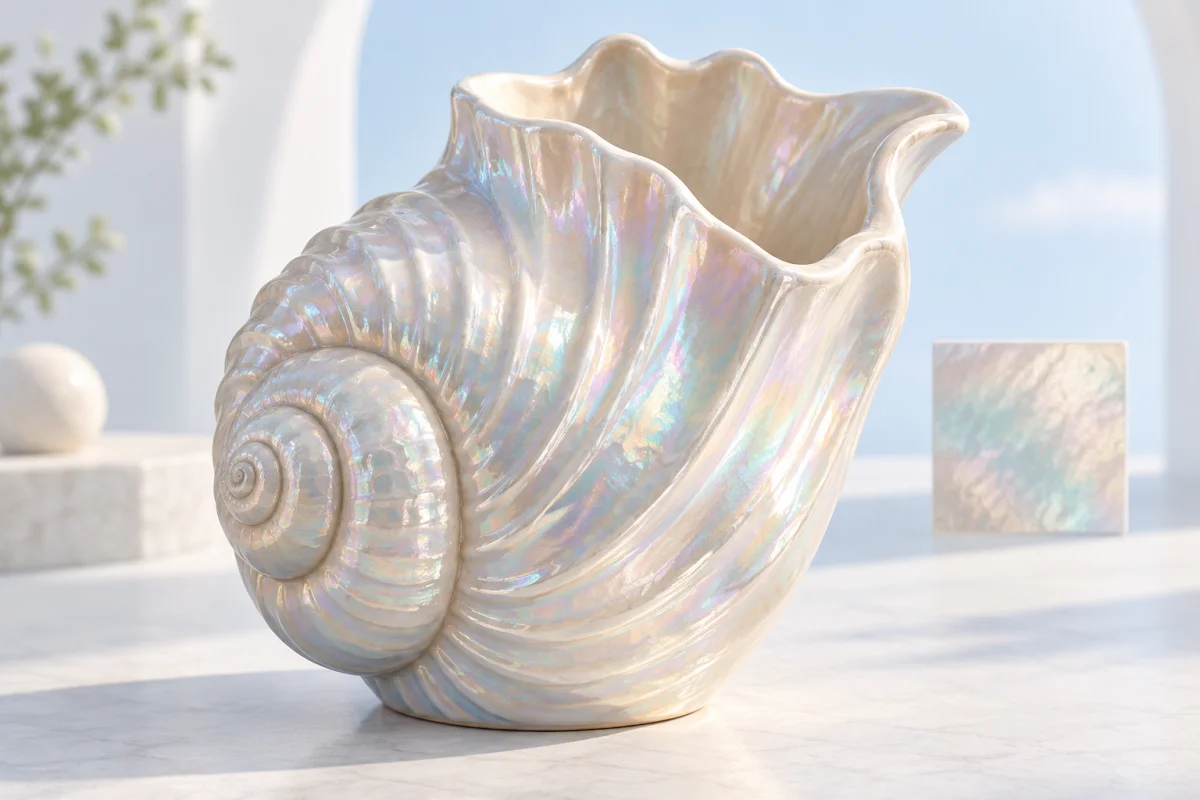
Texturing by hand means unwrapping the mesh, packing islands, painting each map, and doing it again when art direction moves. One run here gets you a surface to react to, plus a page that tells you where that surface is good enough and where it is not.
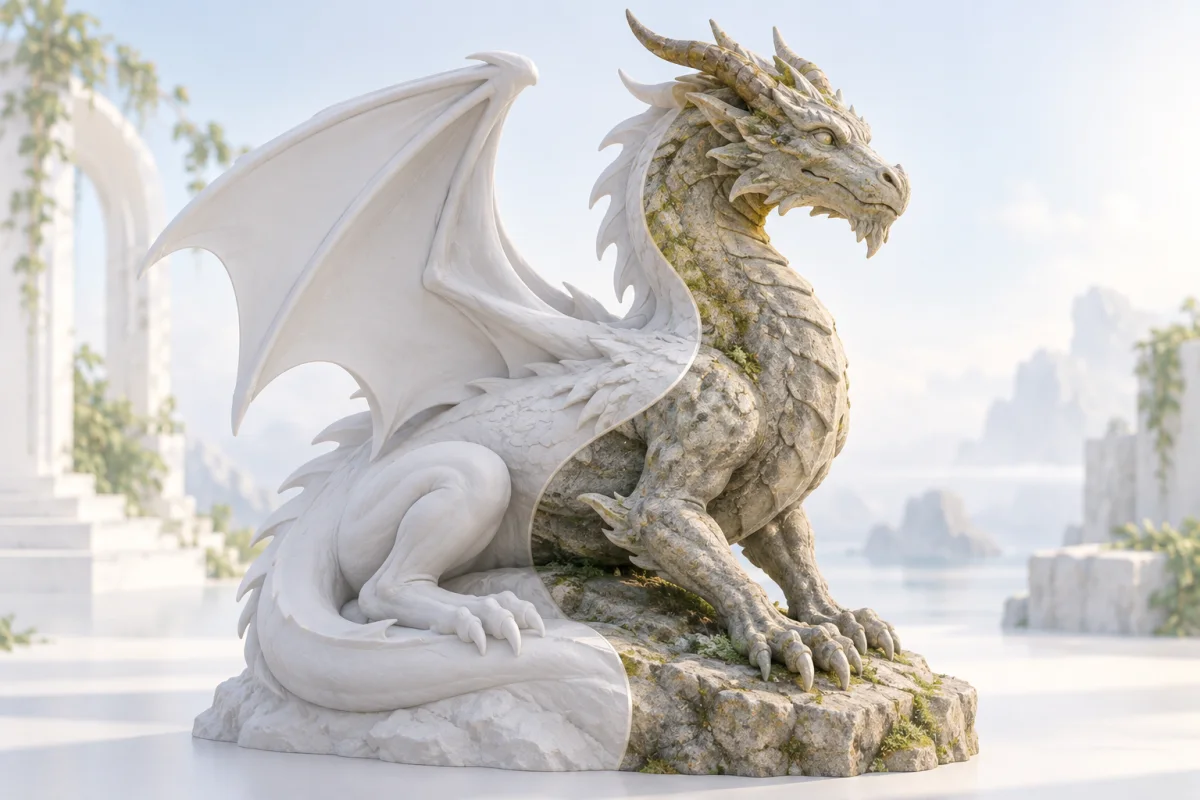
You do not lay out UV islands. Send the mesh and the mapping is handled for you.
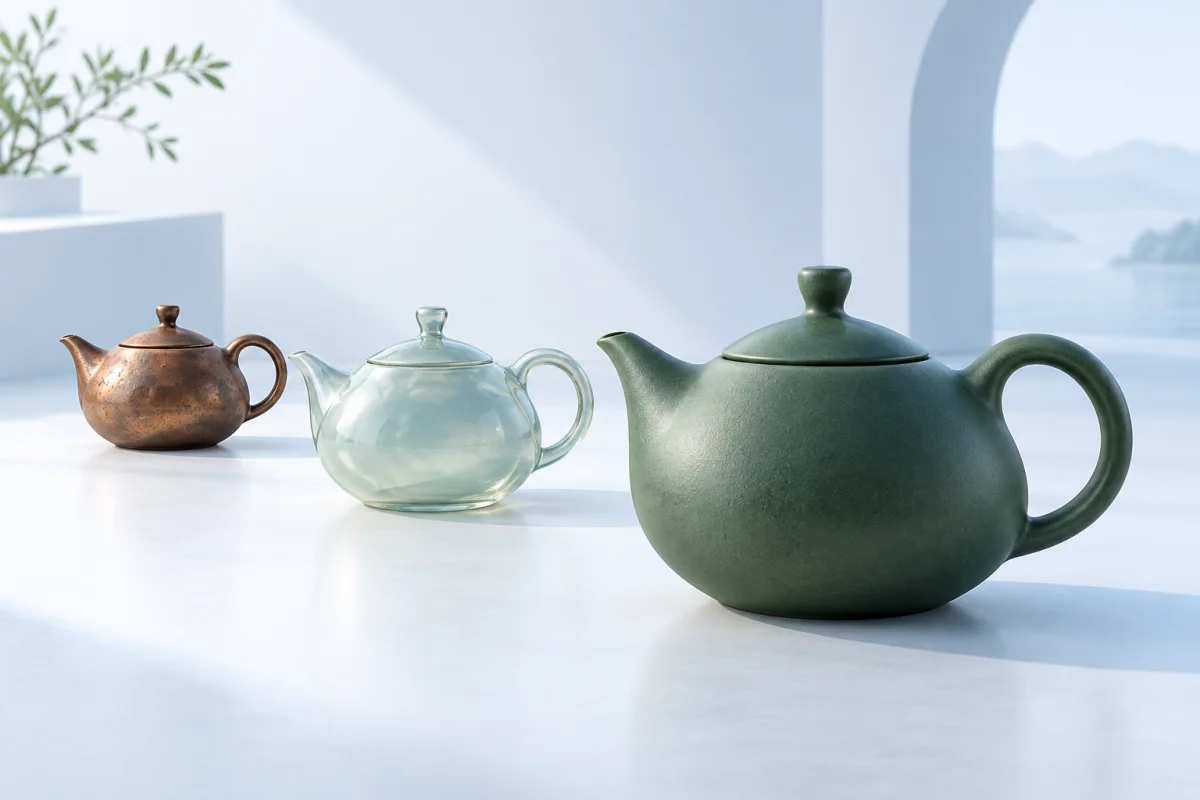
Re-run the same mesh with a different prompt to compare rust, paint, ceramic and worn metal before anyone commits.
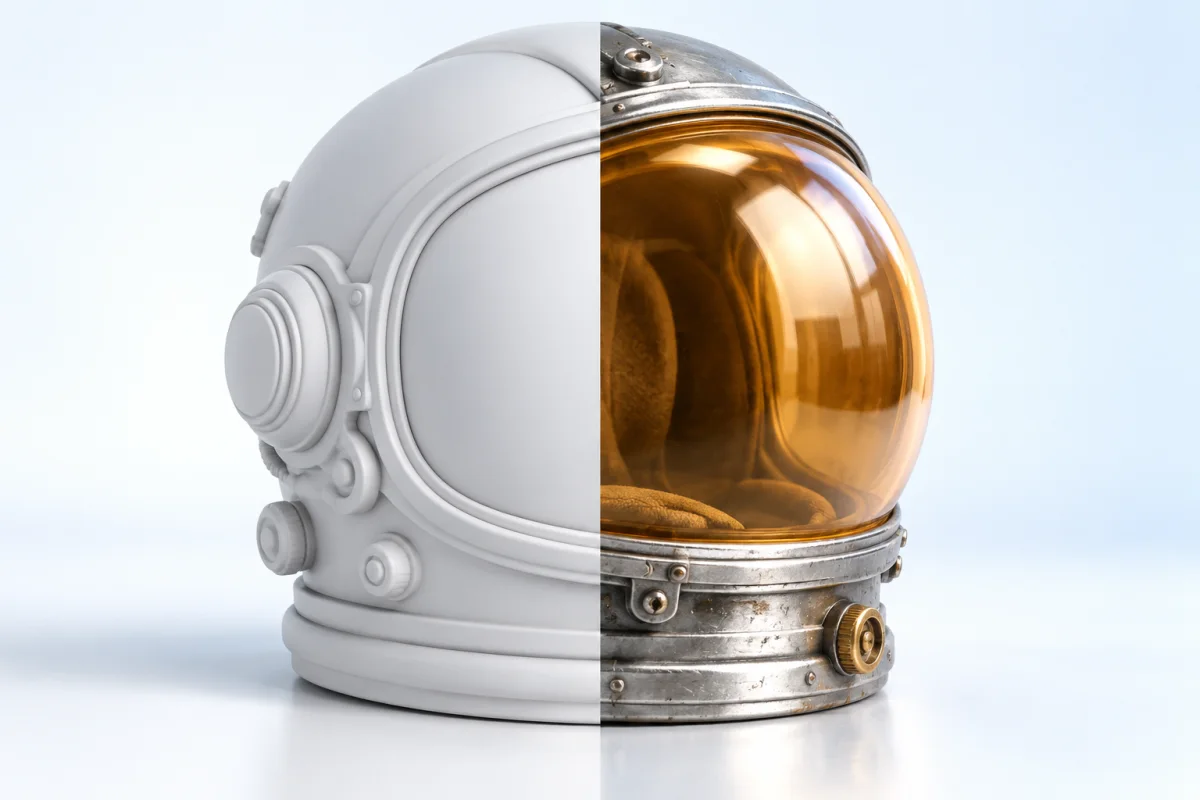
The result lands in the viewer. Toggle between the textured mesh and the white model, spin it, and judge the surface on the model itself rather than on a thumbnail.

Texture a model for free on any machine with a browser. No Substance license, no plugin, no seat tied to one machine.
Not every asset needs a hand-painted surface. These are the ones that do not.
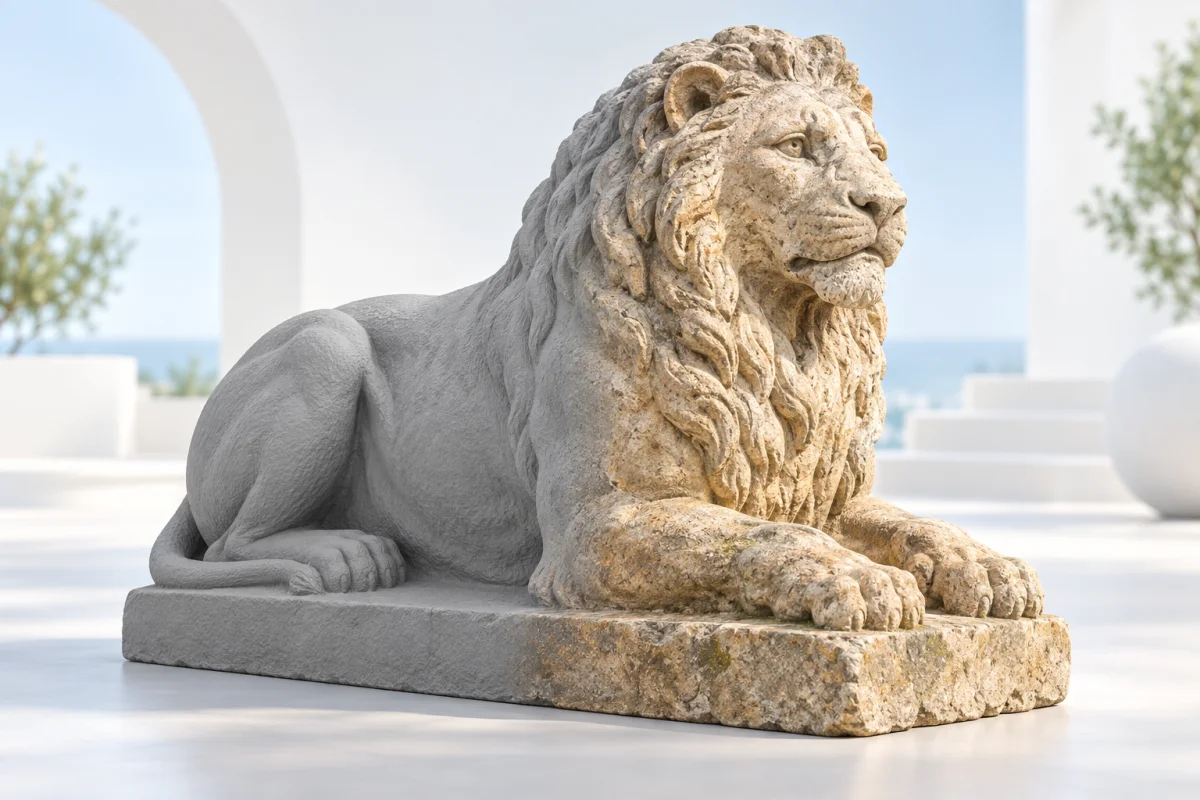
Photogrammetry output and printer files arrive as bare geometry with no color and no UVs. Give them a surface without unwrapping first.
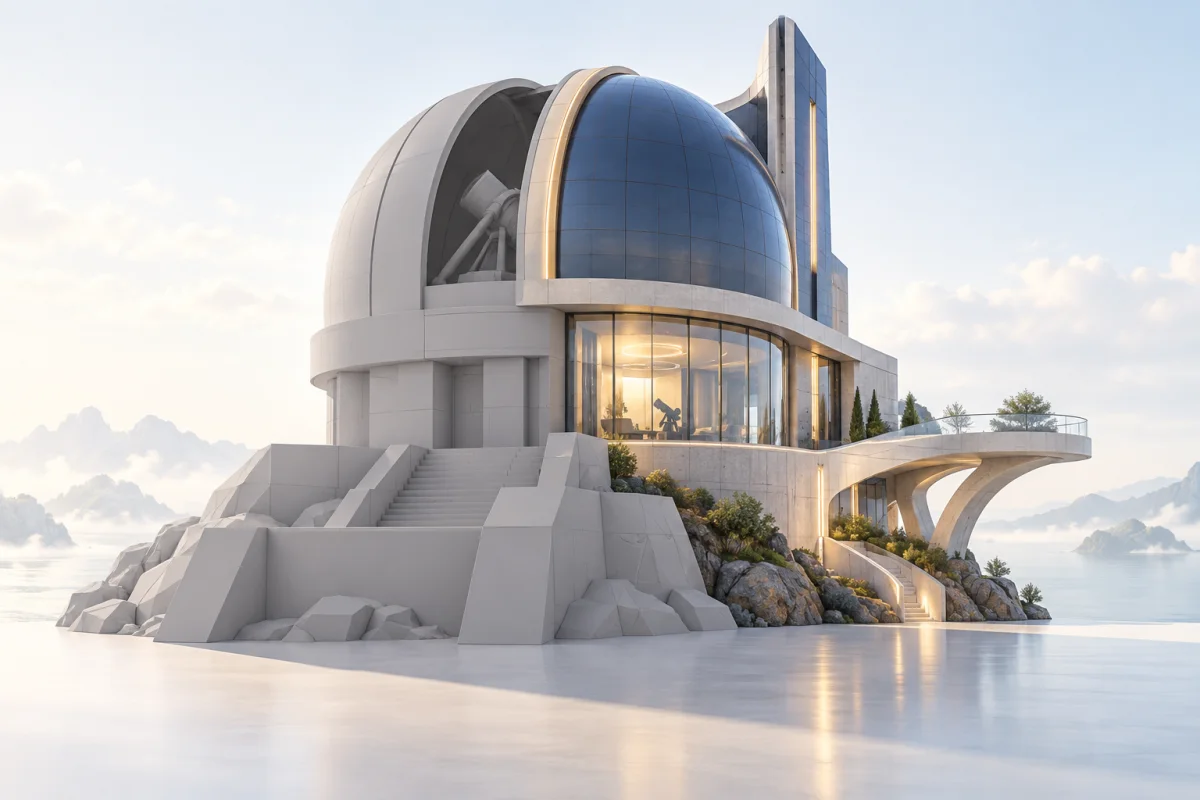
A gray box reads as unfinished in a review. Ten minutes of texturing buys you a conversation about the design instead of the color.
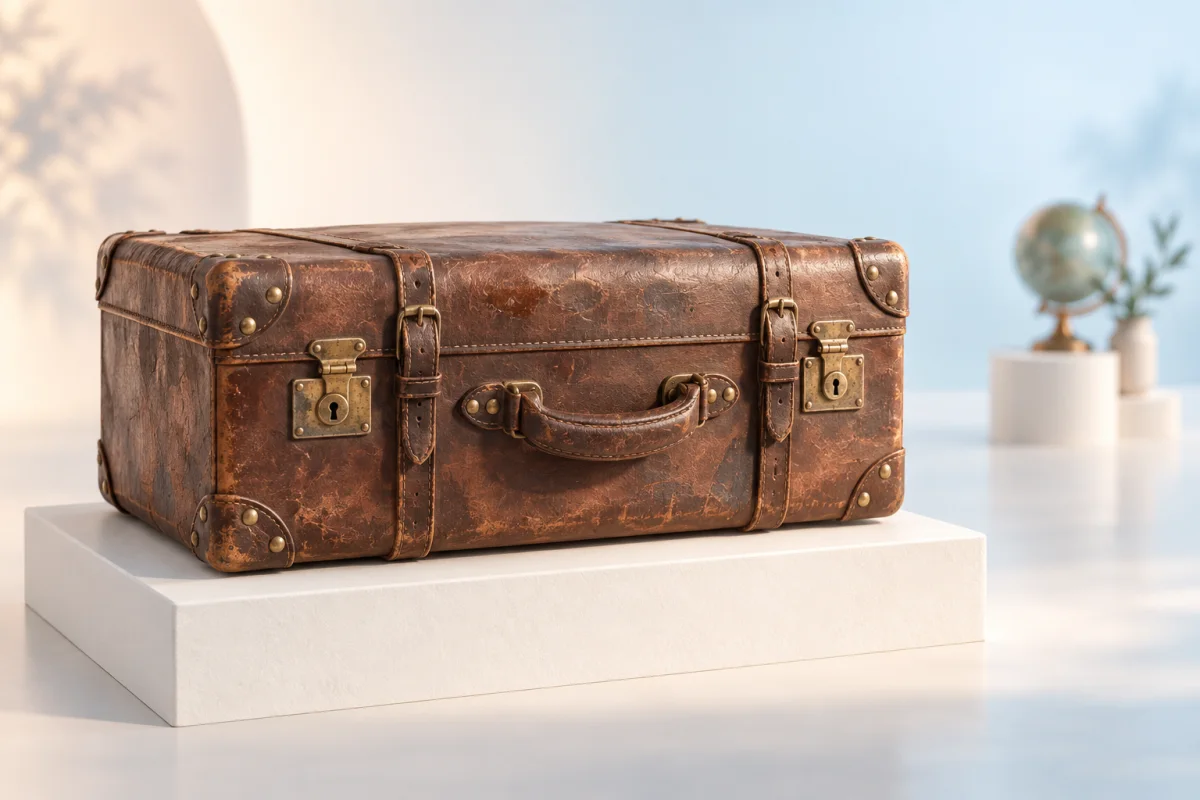
The props nobody walks up to are exactly where an automatic pass is already good enough.
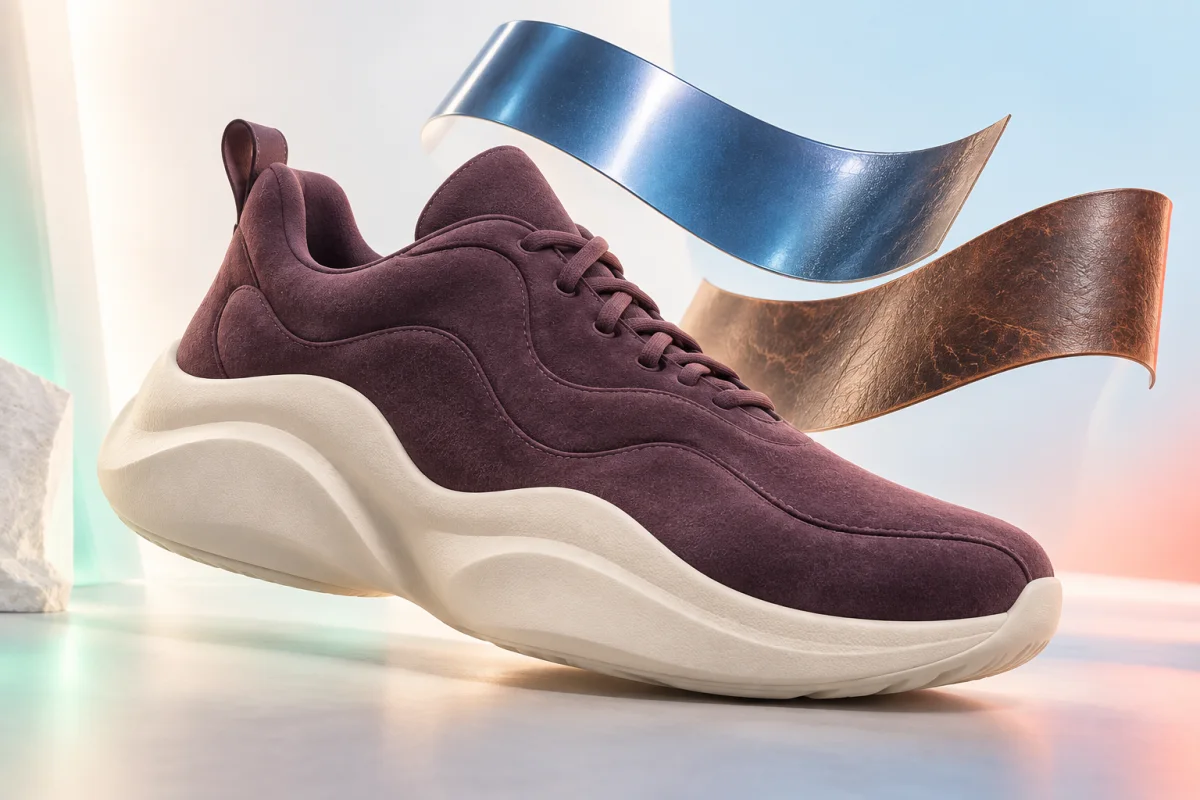
Put six materials on the same silhouette, pick one, then hand that one to a texture artist. This replaces the first day of look development, not the last.
What goes into imageto3dai.io, what comes back, and where automatic texturing stops.
Put a Surface on Your Mesh
Upload a GLB, OBJ, FBX or STL, or pick a model you already made on imageto3dai.io, describe the material or show it a reference, and get the same mesh back textured.
Free · GLB, GLTF, OBJ, FBX and STL · up to 100 MB
We use optional analytics cookies to understand how our tools are used. You can decline and continue using the service, or change your choice here at any time.
Privacy policy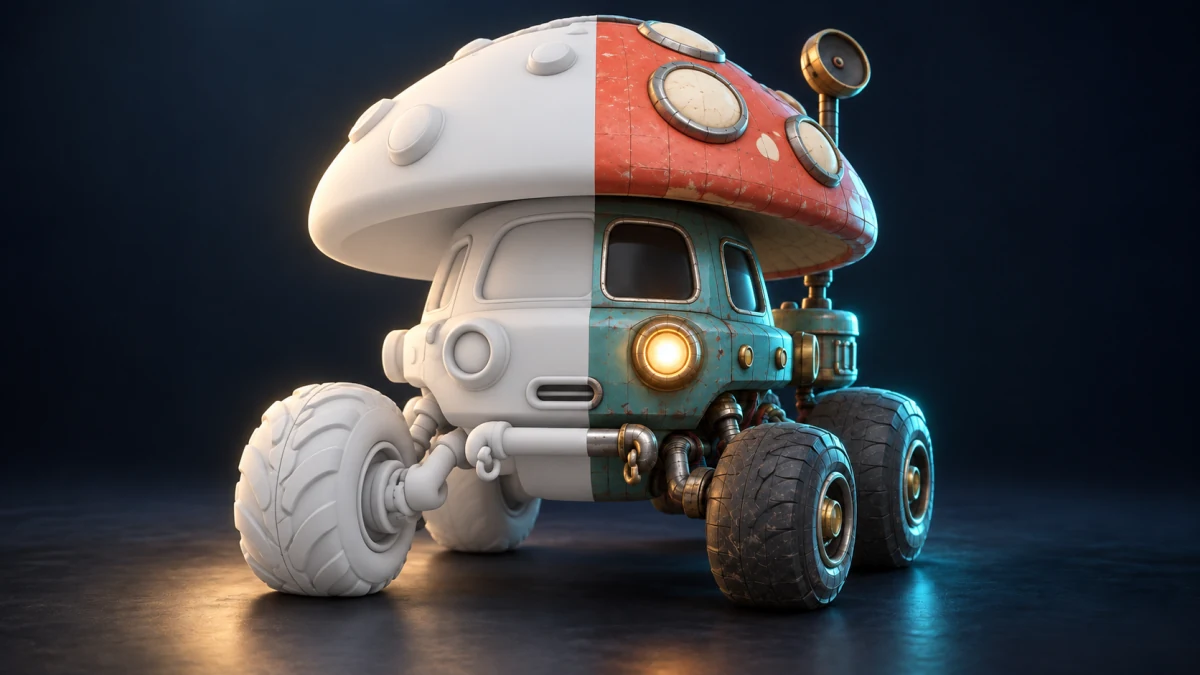
Apply materials and color to your model
Generate textures from text or a reference image, turning a plain 3D model into a finished asset with color, material detail, and surface variation.