1
Bring in a model
Generate one from an image, or upload a GLB, GLTF, FBX, OBJ, PLY or STL file.
Split any 3D model into separate parts by structure, not by a flat cut. Free, no sign up, nothing to install, and no 3D modeling skills required.
Three steps, with no edge loops, no manual face selection, and no sign up.
Generate one from an image, or upload a GLB, GLTF, FBX, OBJ, PLY or STL file.
The AI reads curvature and density across the mesh and finds where one part ends and the next begins. Arms, wheels, handles and hinges come out as their own objects.
Each part comes back closed and separate, ready to edit, rig, texture or print.
A plane cut gives you two pieces of one shell. AI 3D model segmentation gives you the arm, the head and the base as separate objects, each one closed.

Open the workspace and segment a model. No account, no card, and nothing to download or install.

GLB, GLTF, FBX, OBJ, PLY and STL. Bring a model from Blender, a 3D scan, an asset store or another generator.

Separate by loose parts only helps when a file already holds several meshes. Most AI-generated models are one welded shell, so it returns a single object. Segmentation reads that shell and finds the seams anyway.

Manual splitting means drawing edge loops, guessing at seams and repairing the holes you leave behind. Every cut opens the mesh, and every open mesh has to be capped before it prints.

You do not select faces or draw a cut line. The model goes in whole and comes out in parts.
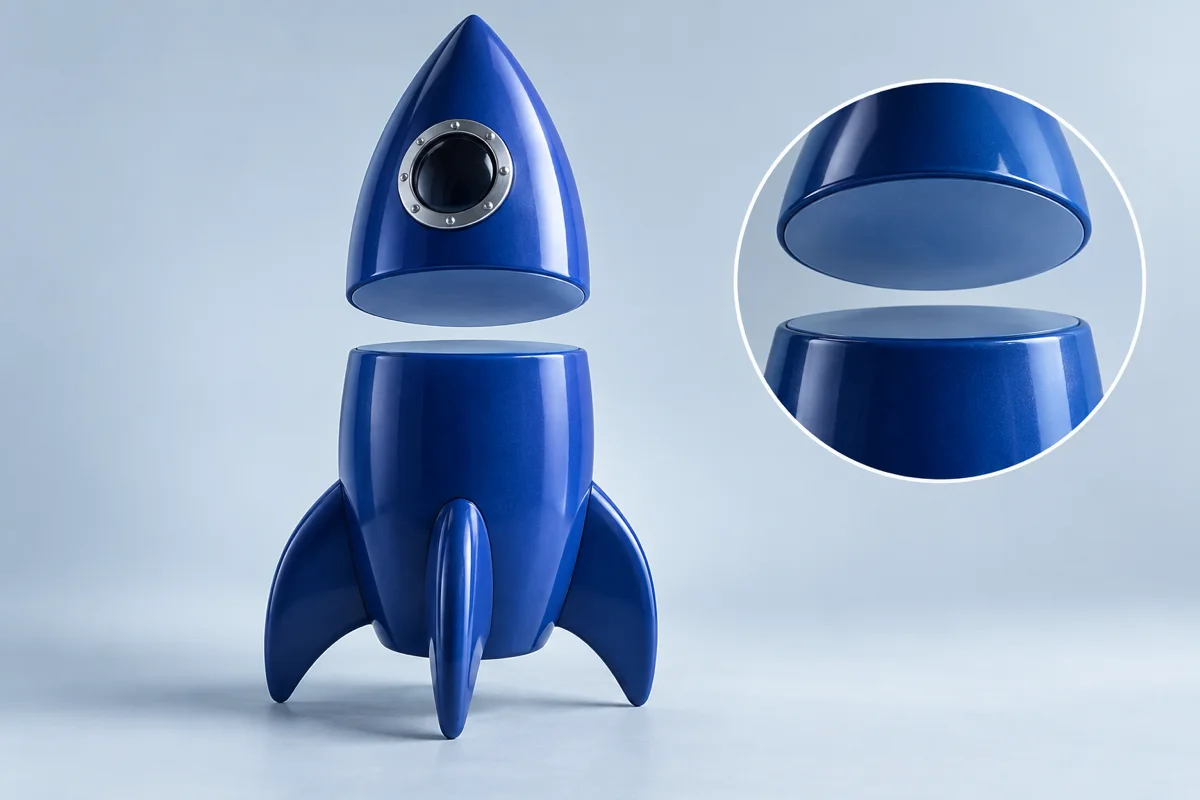
Each piece is sealed on the cut face, so it slices without errors and prints without leaks.
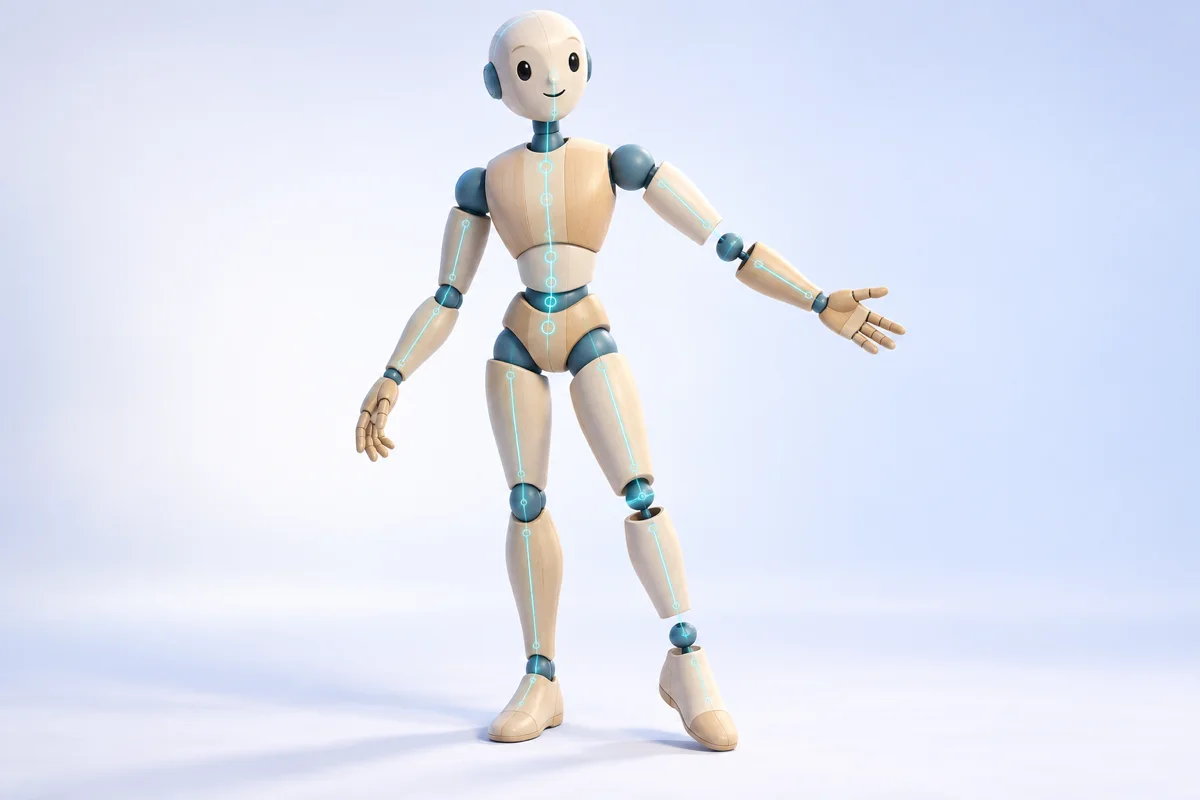
Cuts follow the shape of the object, along joints and part boundaries, not along an arbitrary plane.
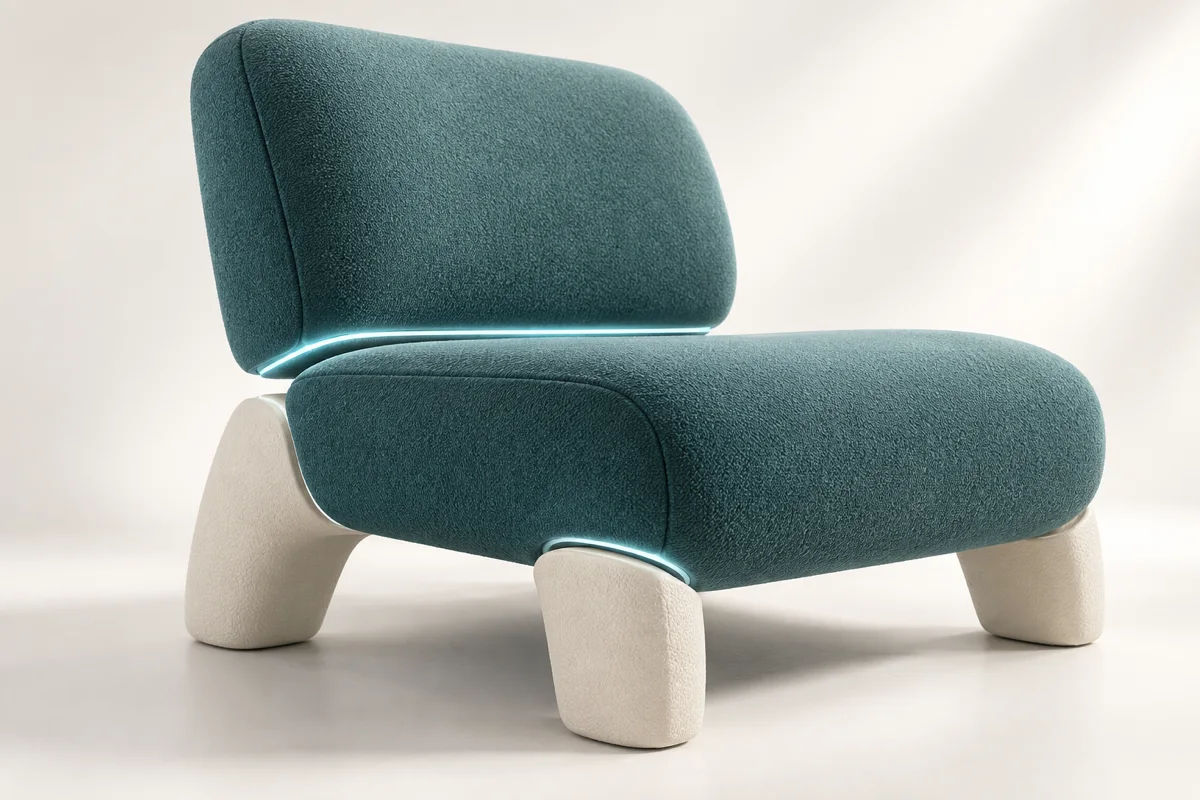
Runs in the browser, free and without an account. No Blender, no Meshmixer, no desktop license.
From multi-color printing to game asset edits, separate parts make work possible that a single fused mesh cannot support.
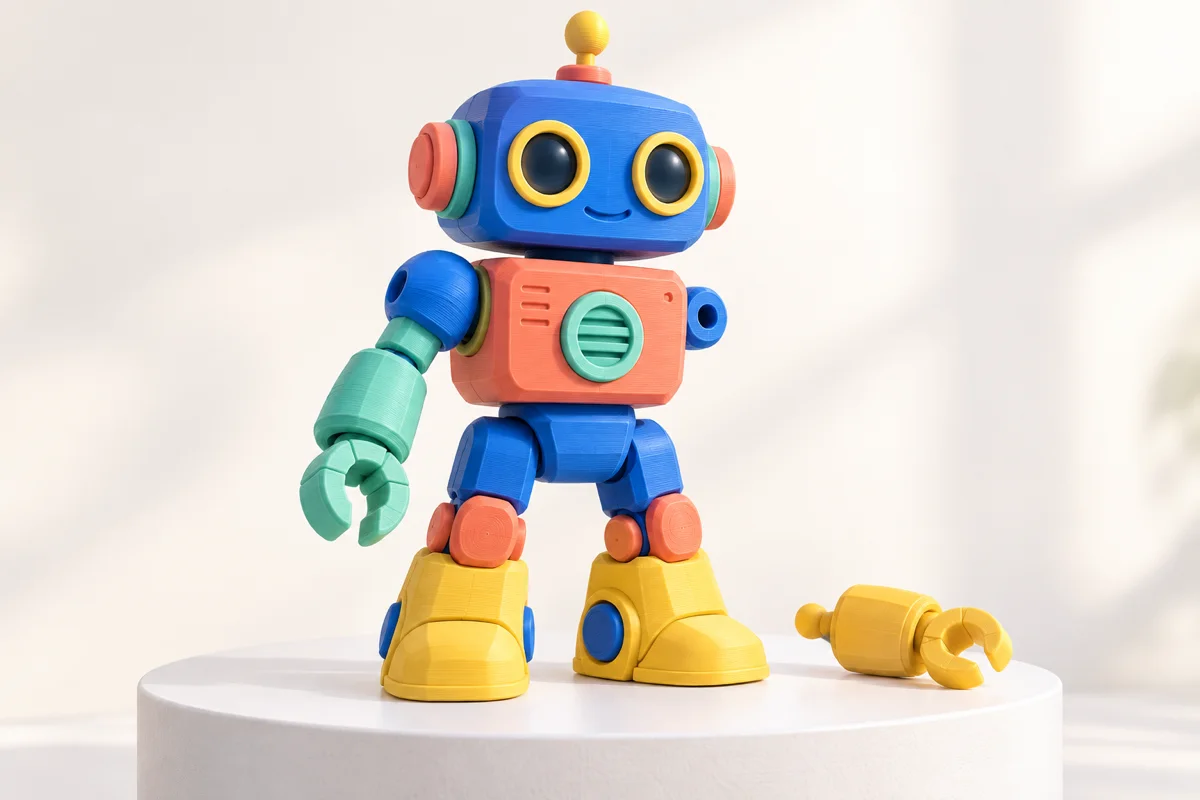
Print each part in its own filament and assemble it, instead of painting a single shell by hand.
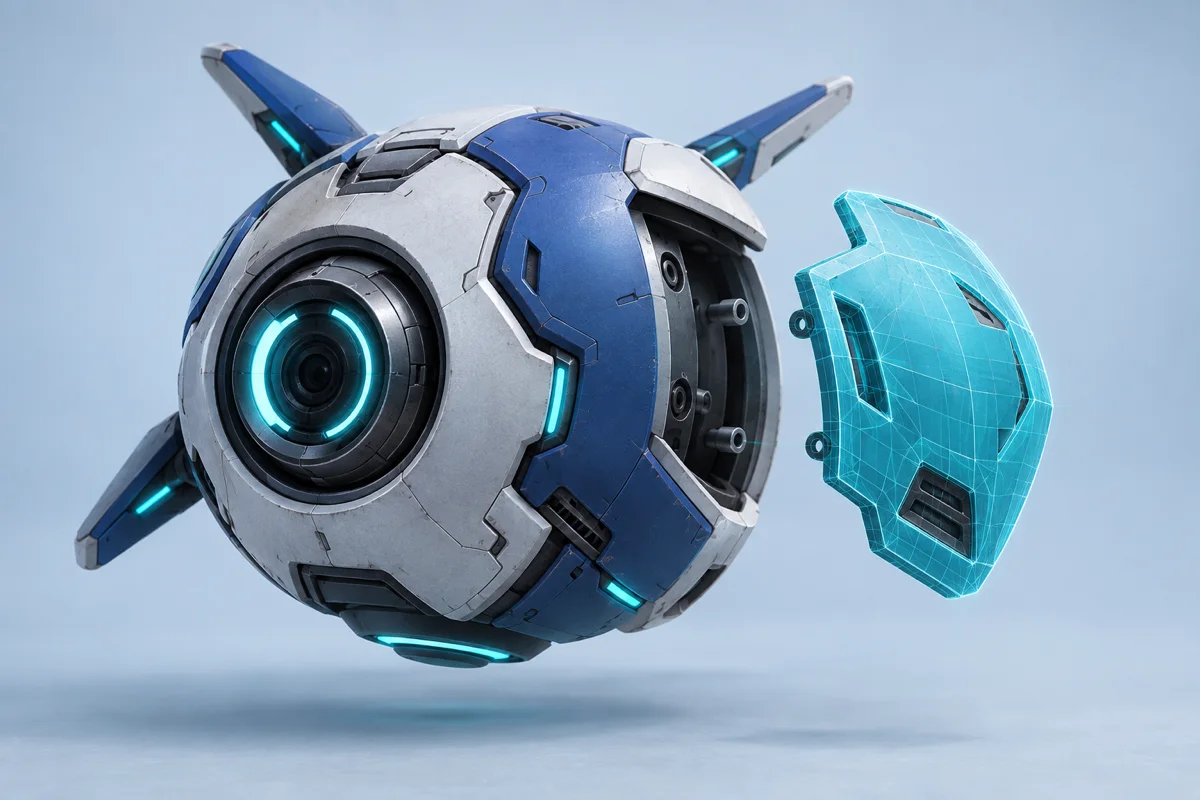
Swap a weapon, retexture one panel or hide a component without touching the rest of the model.
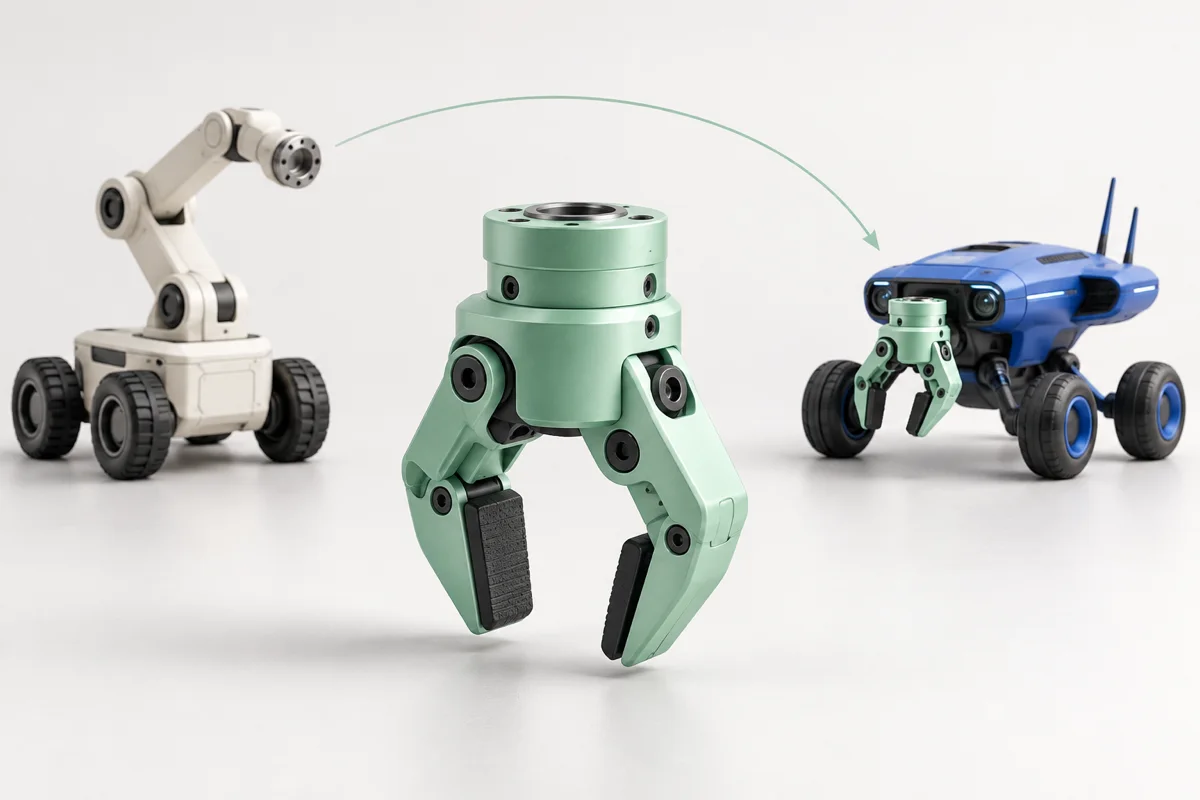
A model already split along its joints is far easier to weight and bind than one continuous mesh.

Pull one part out of a finished model and drop it into the next scene.
What imageto3dai.io splits, what it hands back, and how it differs from an STL splitter.
Split Your First Model into Parts
Upload a mesh or generate one from an image, then let AI segment it into separate, editable parts.
Free · No sign up · No card required
We use optional analytics cookies to understand how our tools are used. You can decline and continue using the service, or change your choice here at any time.
Privacy policy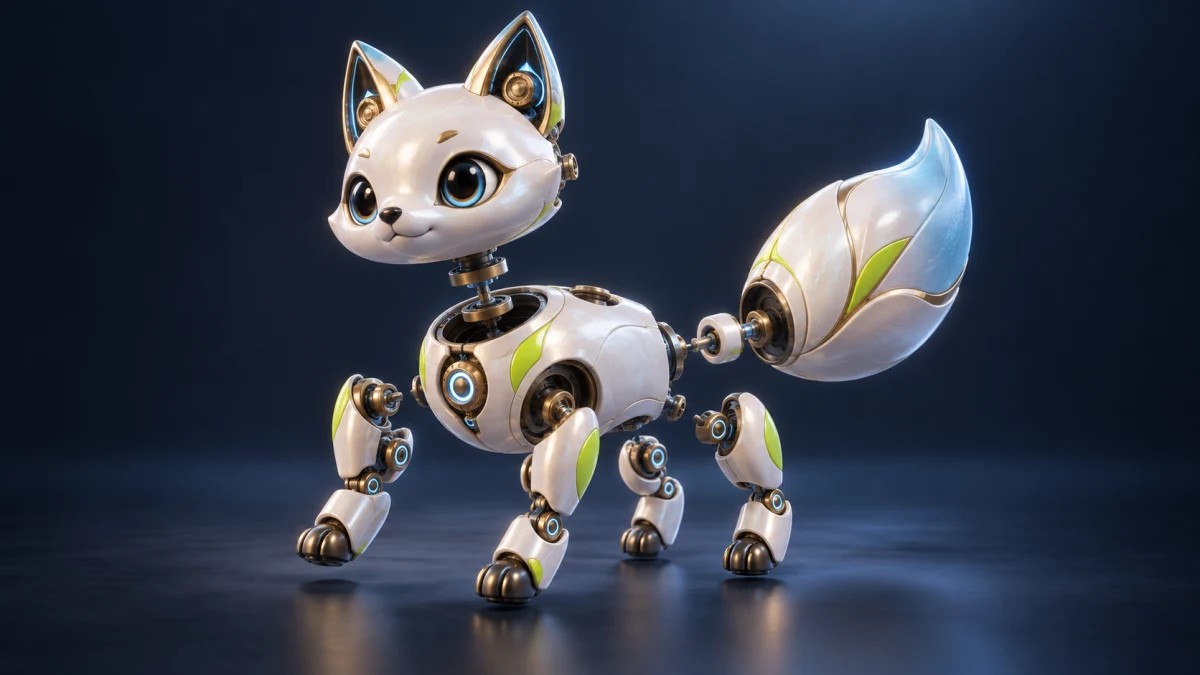
Split the model into editable parts
AI detects natural boundaries in the mesh and separates heads, limbs, shells, and other structures into parts you can select, hide, and edit independently.