1
Bring in the mesh
Upload GLB, GLTF, OBJ, FBX or STL up to 100 MB, or pick a model you already made here. The workspace opens on the Animate panel with 3D Rigging selected.
Upload a GLB, GLTF, OBJ, FBX or STL, choose Humanoid Character or Animal, and get back a rigged GLB with the skeleton and the skin weights already bound. In your browser, with no joints to place by hand and nothing to install.
Three steps in the browser, with no joints to place and no weights to paint.
Upload GLB, GLTF, OBJ, FBX or STL up to 100 MB, or pick a model you already made here. The workspace opens on the Animate panel with 3D Rigging selected.
Two choices, not seven. Humanoid binds a biped skeleton. Animal sends the mesh through a body-plan check first and uses the result when it comes back. Auto Bind then builds the joint hierarchy and the skin weights in the same pass.
The rigged model loads in the viewer. Pick one built-in motion, set In-place animation on or off, and leave Bake animation on so the motion is written into the file you download.
There are two choices to make, Humanoid Character or Animal, and seven body plans behind them. Pick Animal and a check runs on the mesh before anything is bound, sorting it toward a quadruped, hexapod, octopod, serpentine, aquatic or avian skeleton. You never have to name your creature, and you never place a joint. When the check comes back empty, the bind falls back to a quadruped, so re-bind if the result is wrong for your model.
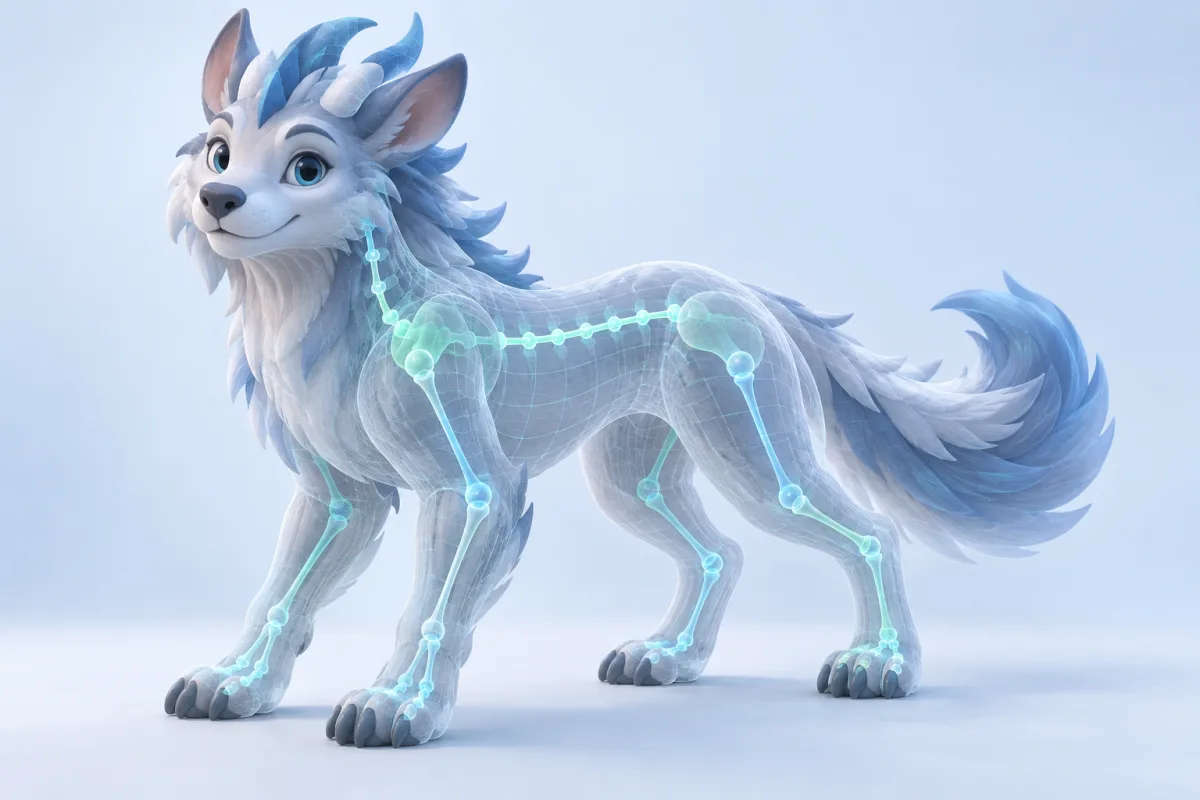
Rigging is two jobs, not one: putting a joint hierarchy inside the mesh, and deciding how much each vertex follows each joint. Both happen in the same run. There is no joint placement step and no weight painting step, and there is also no way to reopen either one here.
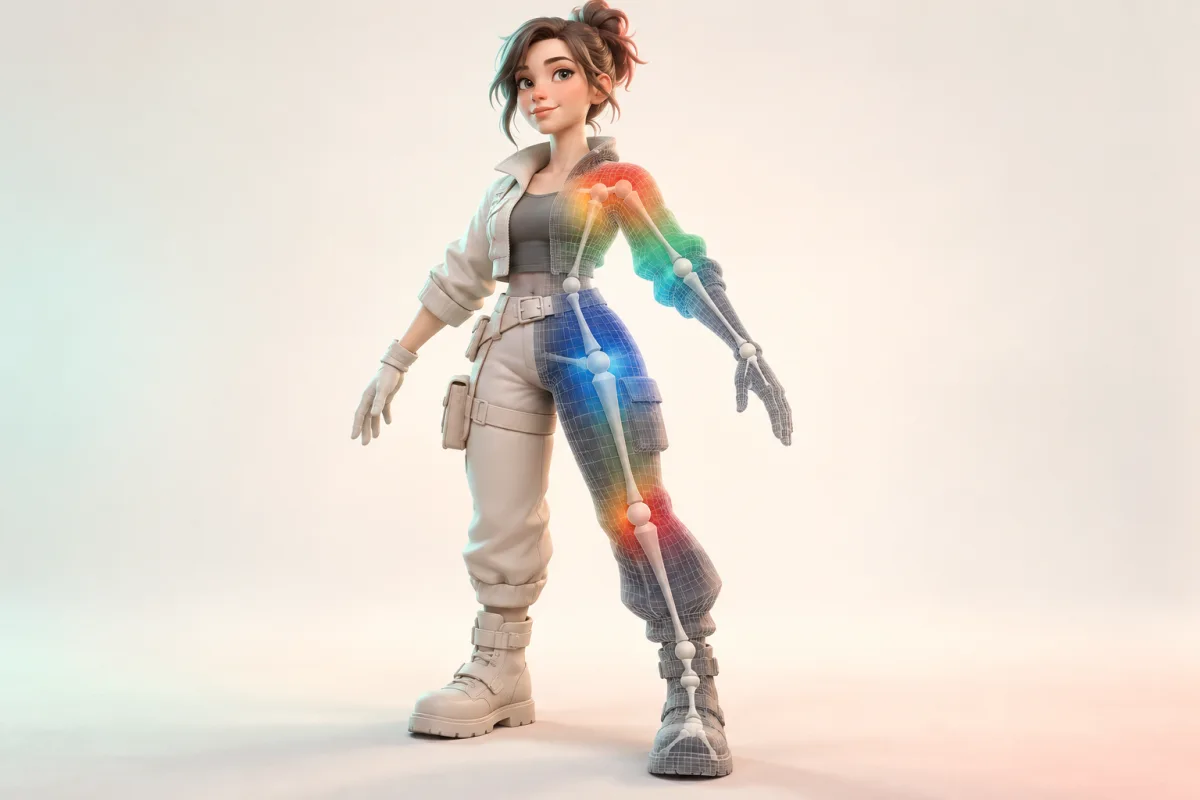
Sixteen in total. Eleven for bipeds: idle, walk, run, dive, climb, jump, slash, shoot, hurt, fall and turn. Five more, one apiece: Quadruped Walk, Hexapod Walk, Octopod Walk, Serpentine March and Aquatic March. One motion goes on per pass, and you run it again to swap it. That is a set of motions, not a motion library, and a character that needs hundreds of clips wants a library next to this, not instead of it.
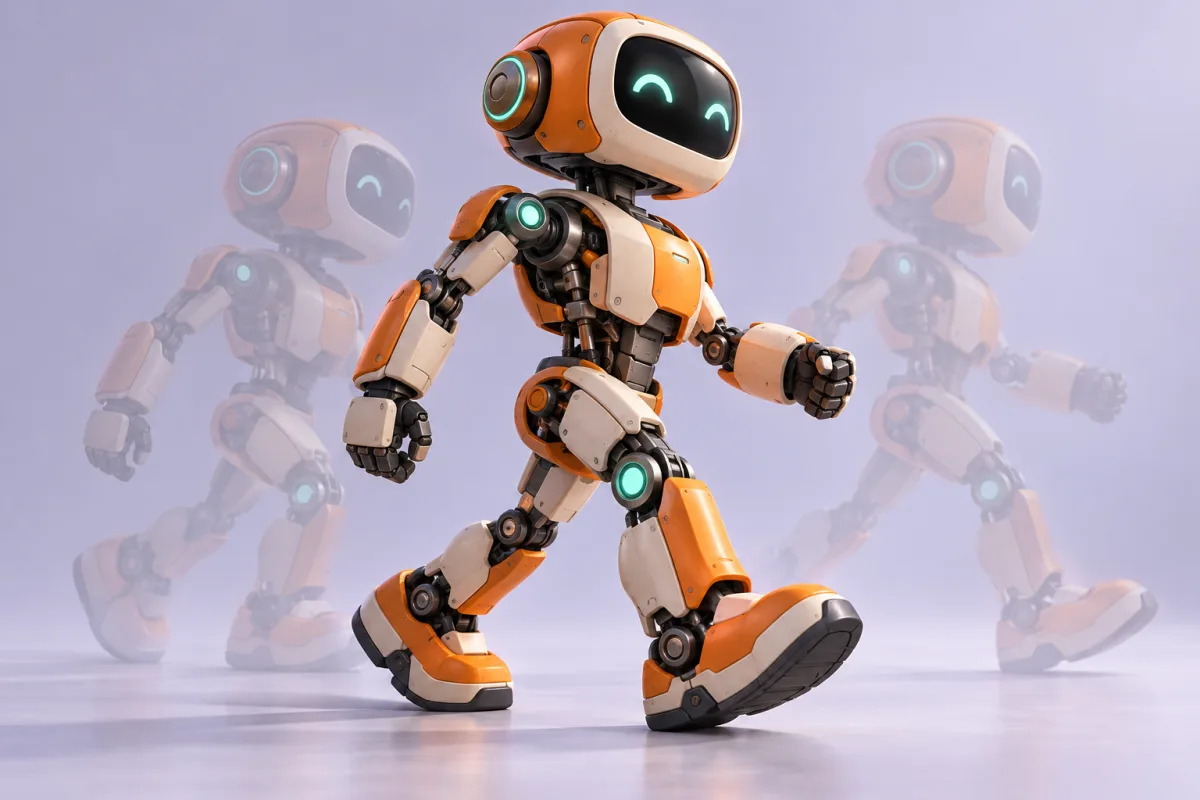
Animation Retarget here only runs on a skeleton this tool has just bound. It will not take a rigged FBX, a character you skinned in Blender, or a motion capture file of your own and put motion on it. If you already have a rig and only need clips for it, this is the wrong page, and it is better to know that before you upload anything.
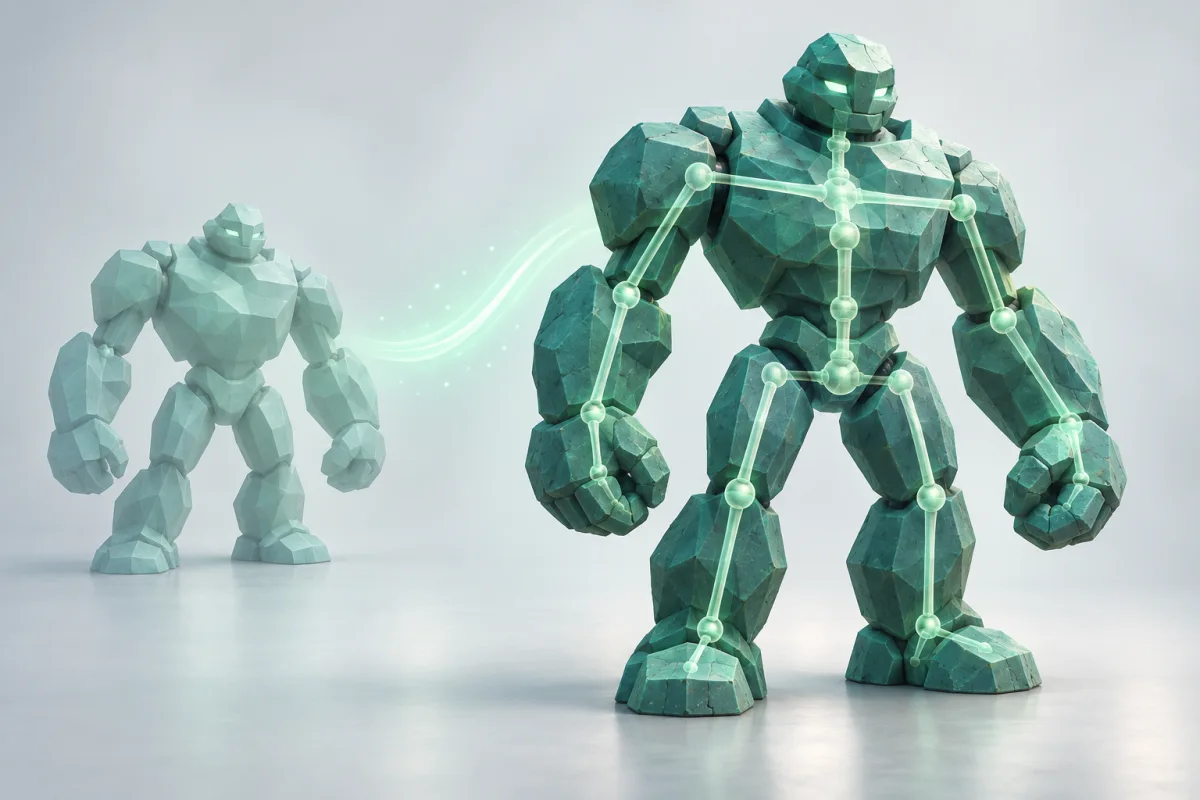
Rigging by hand means building a joint hierarchy, orienting every axis, mirroring the chain, then painting weights across shoulders, hips and knees until the deformation stops folding. A rigger does that once for the character and again when the silhouette moves. One run here does the whole pass and hands you the result to judge.
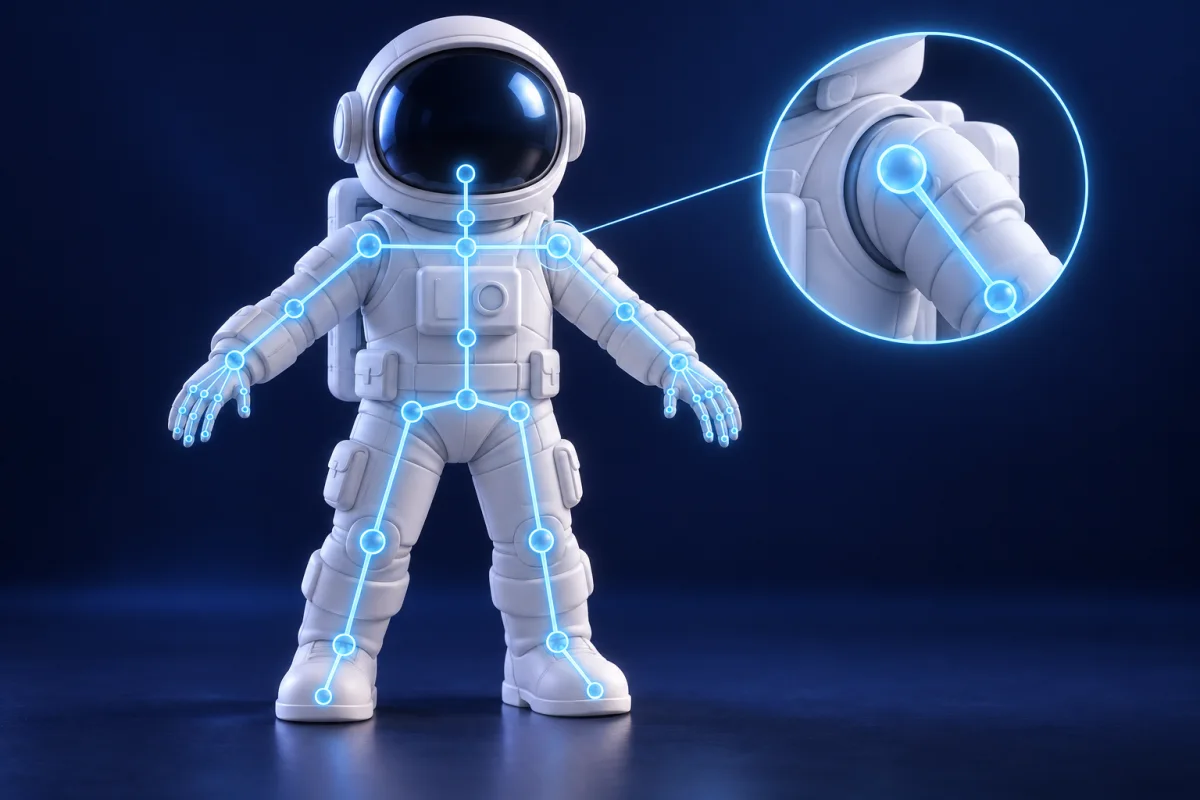
You do not position a hip, orient an axis or mirror a chain. The hierarchy is built inside the mesh in a single pass.
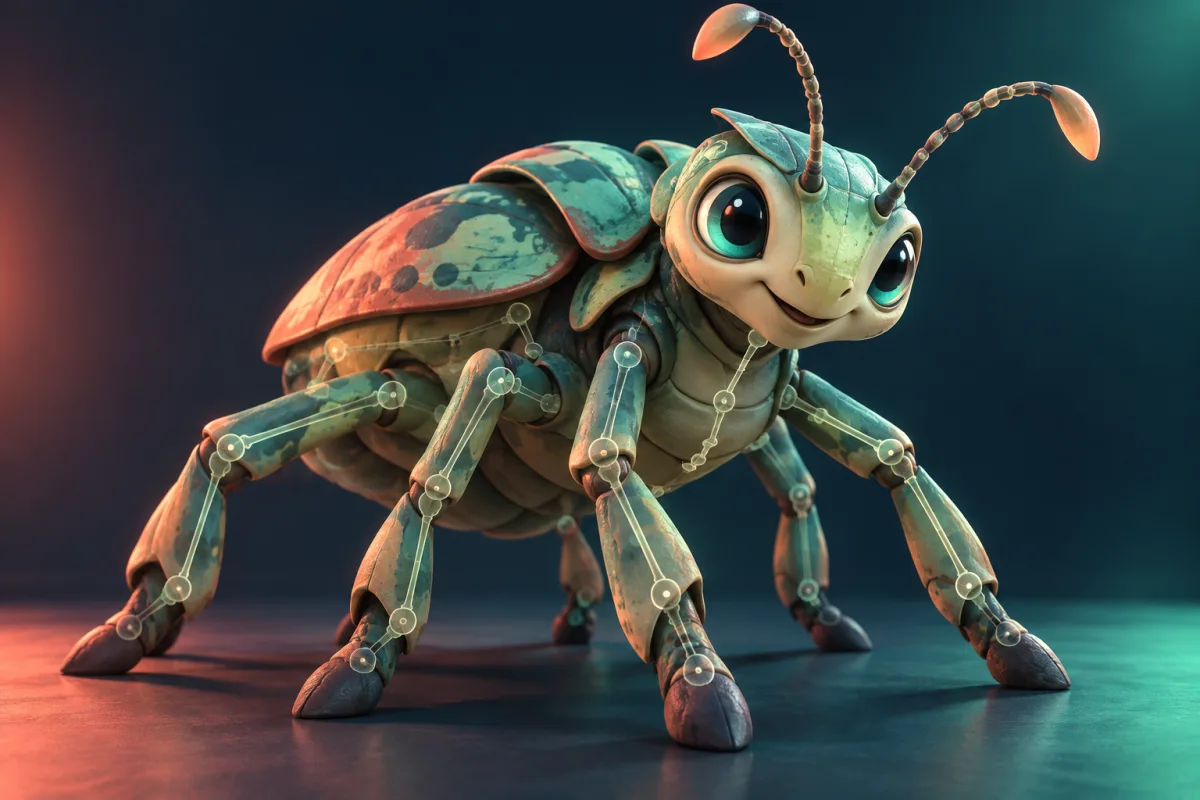
Four legs, six, eight, none at all. You can force a quadruped onto a human skeleton, and people do, with the front legs mapped to the arms. You fight the rig the whole way. Here the body plan is the starting point instead.
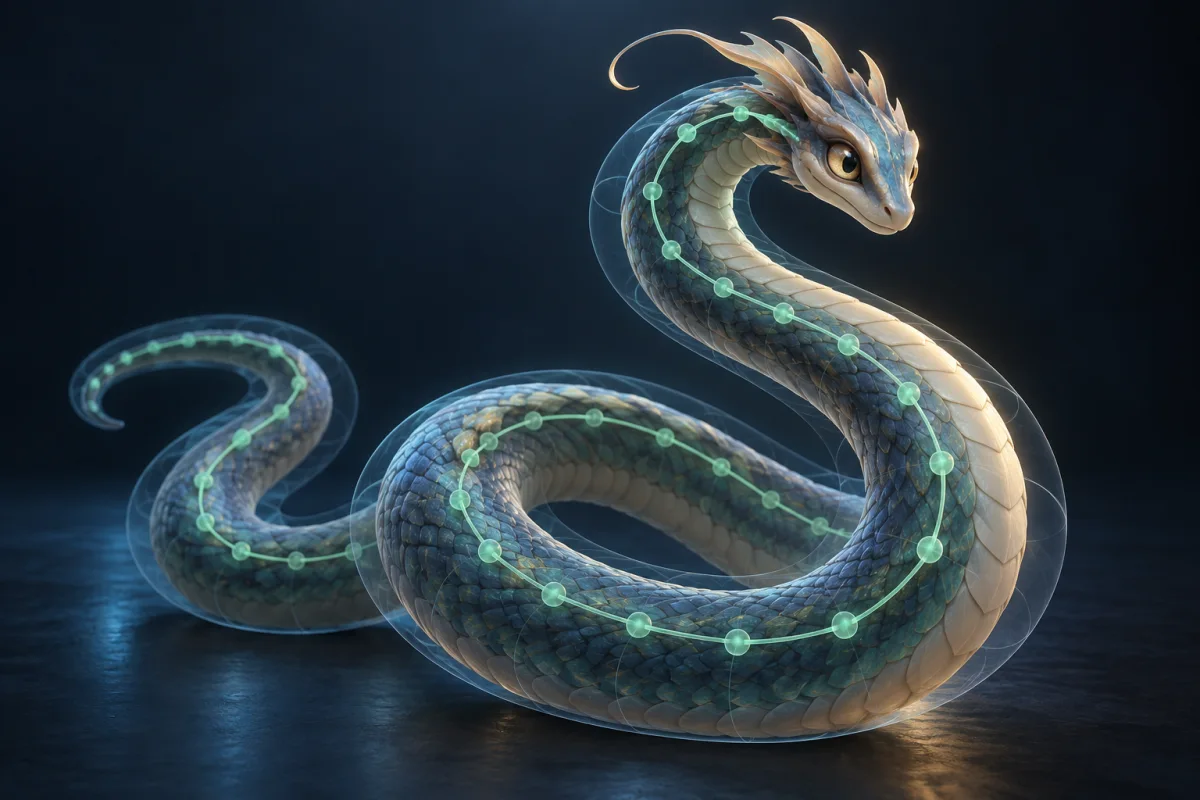
Choose Animal and a check runs before binding, sorting quadruped, hexapod, octopod, serpentine, aquatic and avian apart. When it comes back empty the bind falls back to a quadruped.
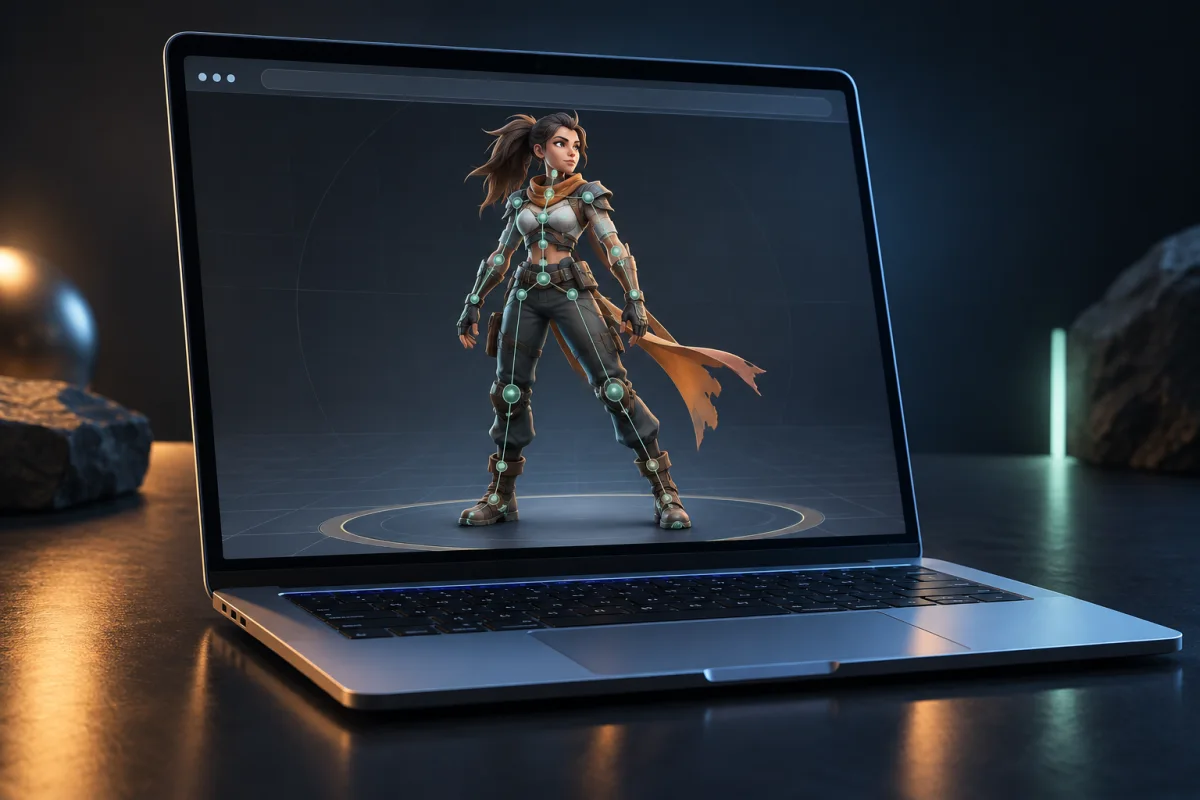
Rig a model on any machine with a browser. No installer, no addon, no license tied to one workstation, and no operating system it refuses to run on.
A skeleton is not the deliverable. It is the thing that lets the mesh be posed, animated and shipped.
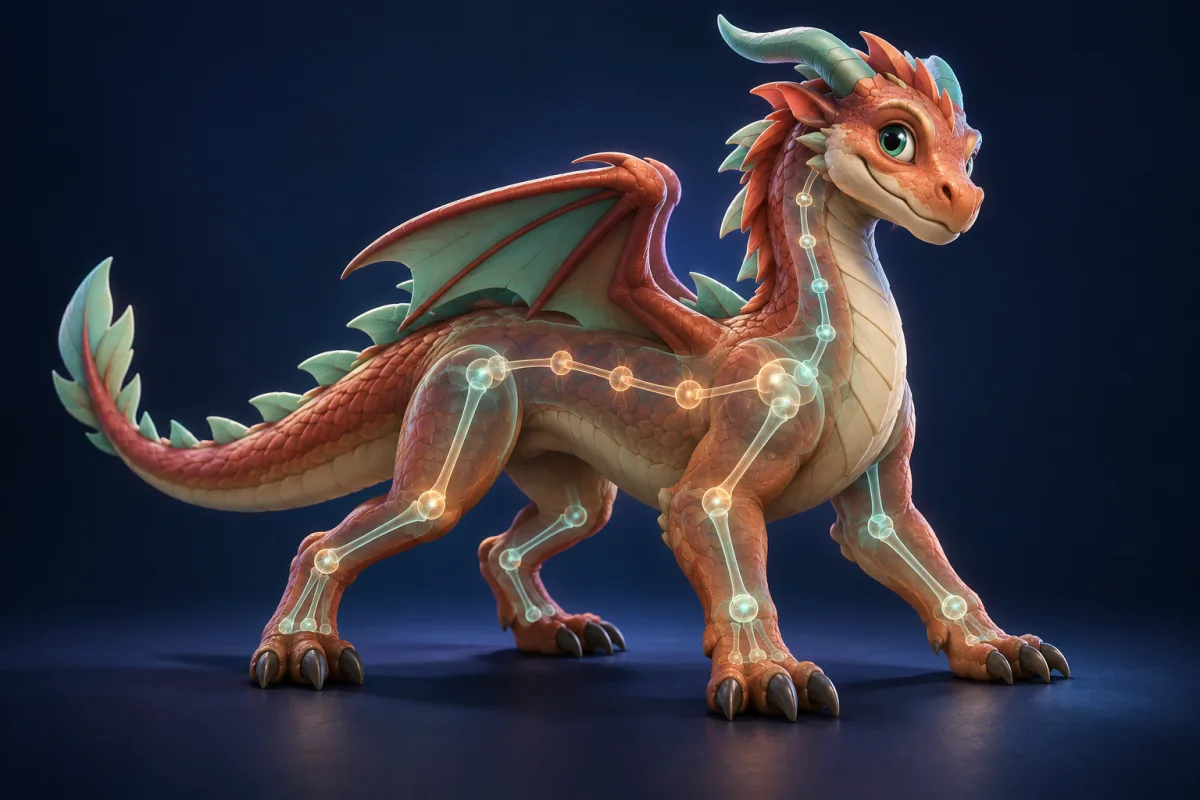
The four-legged, six-legged and serpentine characters a humanoid auto rigger turns away. Choose Animal and the body plan is worked out before anything is bound.
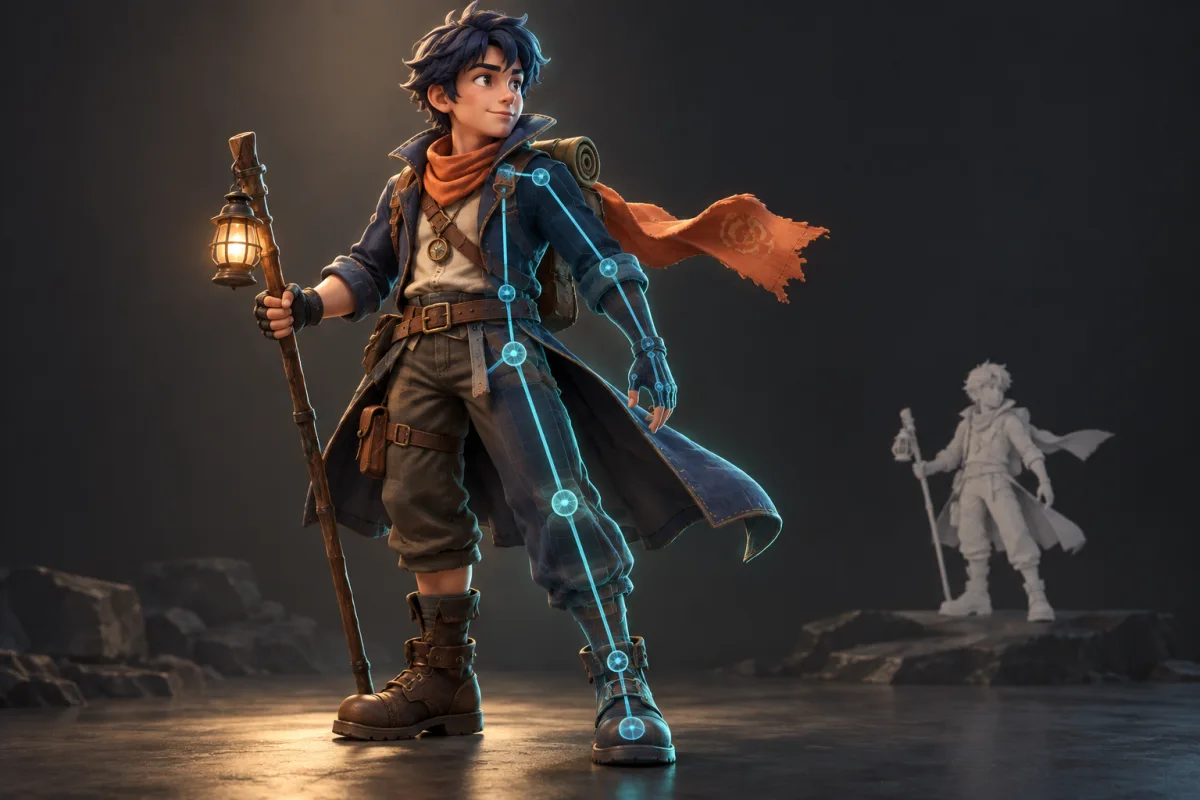
A mesh that came out of a photo or a prompt has no skeleton at all. Rigging is the step between generating it and watching it move.
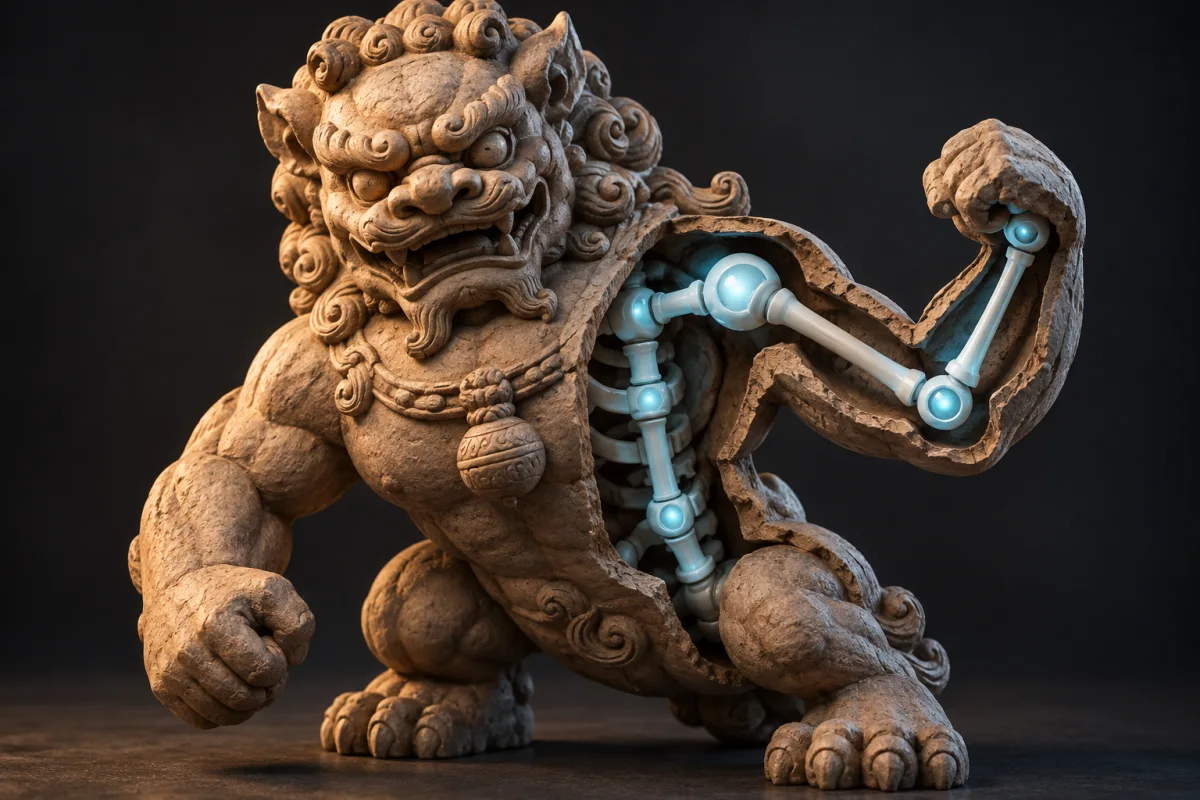
Photogrammetry output and ZBrush exports arrive as one dense static shell. Binding a skeleton is what turns that shell into something posable.
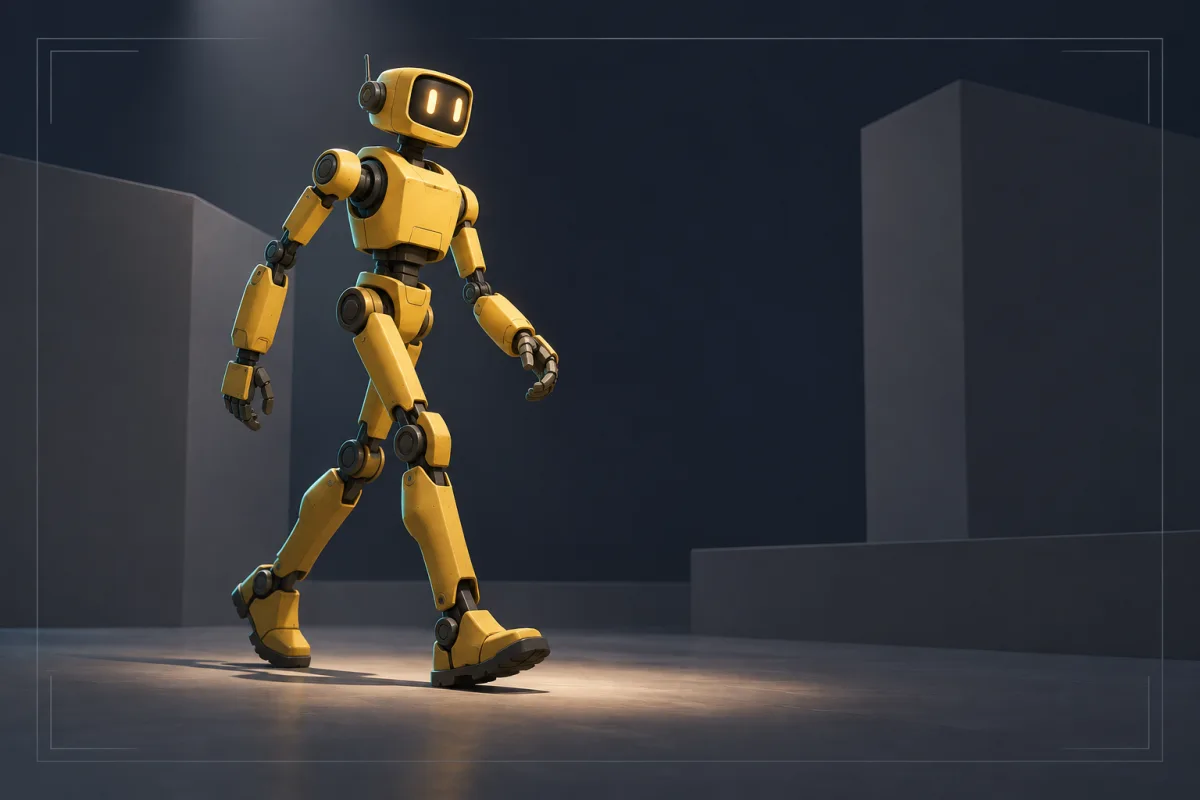
A character standing still reads as unfinished in a review. One walk cycle buys you a conversation about the animation instead of the pose.
What goes into imageto3dai.io, what comes back, and where automatic rigging stops.
Upload a GLB, OBJ, FBX or STL, or pick a model you already made on imageto3dai.io, choose Humanoid Character or Animal, and get it back bound and ready to move.
GLB, GLTF, OBJ, FBX and STL in · up to 100 MB · GLB out · Auto Bind runs on a paid plan